 7:11
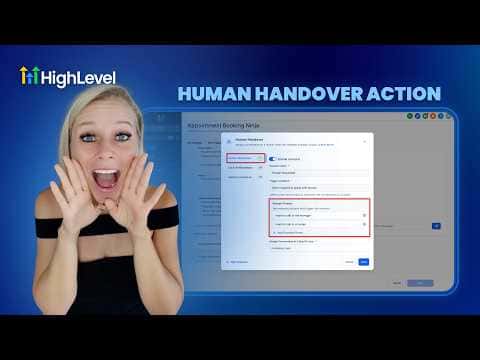
7:11概要. GoHighLevel's human handover action inside Conversation AI bot goals lets you define exactly when and how a chat transfers to a real team member. Each scenario includes example trigger phrases, a user assignment, a closing message from the bot, a timer for when the bot resumes, and optional task and tag actions. Up to three pre-built scenarios plus custom ones can be active at once.
ステップ
Open the bot's goals in Conversation AI
Go to AI Agents on the left, click Conversation AI, select Agent List, choose your agent, then click Bot Goals and scroll to the Human Handover Action.
Enable a handover scenario
Toggle on Human Requested, Lack of Information, or Failed to Resolve the Issue. Each scenario can be turned on independently.
Configure the scenario details
For each active scenario, assign a user, edit the final bot message, set the reactivation time, and optionally create a task and add a contact tag.
Set up user notifications
In Settings, configure how the assigned user is notified when a conversation lands in their queue: in-app, email, or SMS.