 1:13
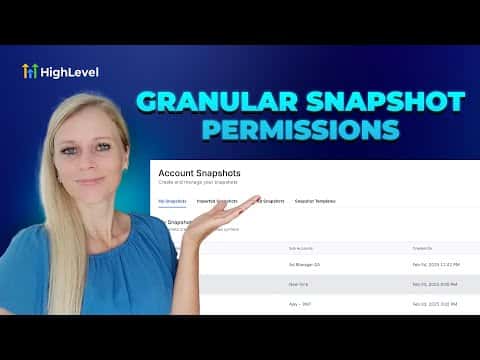
1:13概要. The Team settings inside a GoHighLevel agency include granular snapshot permissions for each admin. Agency owners can toggle individual capabilities such as view, create, edit, push, share, import, and delete on a per-user basis. Restricting these permissions protects snapshot integrity when only specific team members should have access to push or modify agency templates.
ステップ
Open Team settings
Log into your agency account, click Settings at the bottom left, then click Team on the left sidebar.
Filter to agency admins
In the role dropdown at the top of the team list, select Agency and Admins to show only admin-level users.
Edit the admin's permissions
Click the edit icon on the right side of the admin's row, then go to Roles and Permissions. Scroll down to the Snapshots section and toggle each permission on or off as needed. Click Save when done.