Payments & Invoicing

Route Payments to Different Bank Accounts by Channel in GoHighLevel

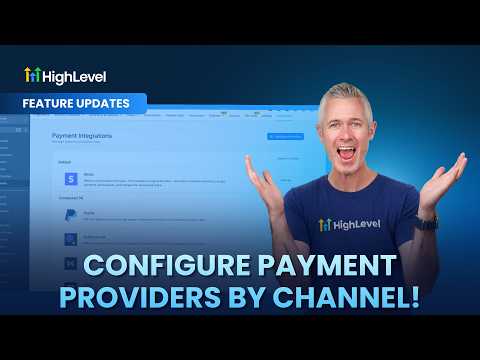
GoHighLevel lets you assign a different payment provider to each collection channel in your account. Navigate to Payments, then Integrations to connect Stripe, PayPal, Authorize.net, Square, or other processors. Then open Configure Providers to assign which processor handles each channel. This means your e-commerce store can run on Stripe while invoices go through a processor that supports ACH, cutting transaction fees on larger B2B payments.

2026年6月2日に更新

1:31

概要. Inside GoHighLevel Payments, the Configure Providers option lets you assign a specific payment processor to each channel including funnels, forms, stores, calendars, invoices, payment links, courses, and communities. You can add multiple providers to a single channel or remove a provider to restrict that channel to one option only. This is useful when running an e-commerce store and a service-based business from the same account and wanting to minimize fees on each transaction type.


よくある質問

Where is the Configure Providers option in GoHighLevel?

Go to Payments, Integrations, then click Configure Providers in the top right.

Can one channel support multiple payment providers at the same time?

Yes. Click the plus icon on a channel to add a second or third provider.

Why would I use a different processor for invoices versus my storefront?

ACH processors typically charge lower fees on large invoices than card-based processors.

すでに作った人たちと、一緒に作ろう。

無料コミュニティに参加しましょう。毎週のライブ通話、最初に見るコース、あなたの言語のビルダーがいます。

Skoolに無料で参加