Payments & Invoicing

Add Terms and Conditions to Payment Forms in GoHighLevel

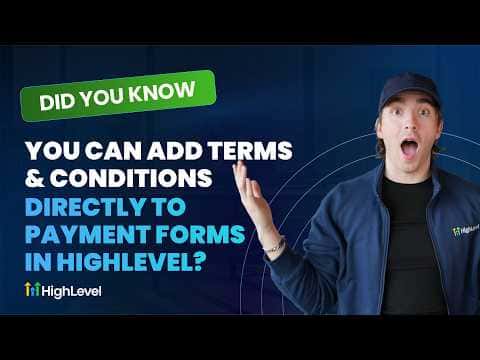
GoHighLevel payment forms support a built-in Terms and Conditions element that you drag into the form from the left panel. Once placed, you highlight the relevant text, add a link to your actual terms page, and save. The checkbox then appears at checkout so customers can read and agree before paying. This matters for compliance and looks more professional than a bare order button.

2026年6月2日に更新

1:24

概要. GoHighLevel forms that collect payments can include a T&C element that puts a terms and conditions agreement directly on the checkout screen. You add it through the form builder, link the text to your terms URLs, and customers must acknowledge it before completing their purchase. Forms give more layout control over the checkout experience than payment links or invoices, making this approach useful when you need both customization and compliance.

よくある質問

Where is the Terms and Conditions element in the GoHighLevel form builder?

Scroll down the left panel in the form builder and look for the T&C element.

How do I link the T&C text to my actual terms page?

Highlight the text, click Add Link, paste the URL, set the action, and save.

Why use a form instead of a payment link for collecting payments?

Forms offer more layout customization and support the T&C element natively.

すでに作った人たちと、一緒に作ろう。

無料コミュニティに参加しましょう。毎週のライブ通話、最初に見るコース、あなたの言語のビルダーがいます。

Skoolに無料で参加