 1:30
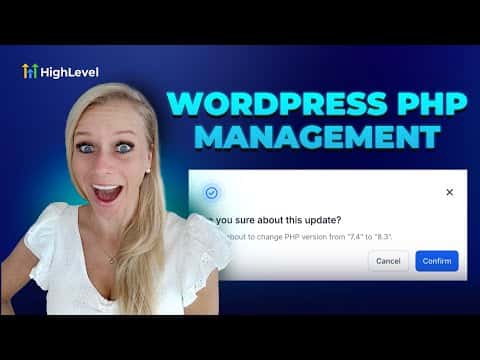
1:30概要. WordPress sites hosted through GoHighLevel run on a PHP version you can select from within the platform. Updating PHP through the Advanced Settings panel enhances site security, boosts performance, and prevents plugin compatibility issues. The change takes effect after a quick confirmation step and does not require any external server access.
ステップ
Open your WordPress site settings
Go to Sites on the left, then click WordPress at the top. Find the site you want to update.
Navigate to Server Settings
Click Advanced Settings for that site, then click Server Settings.
Select the PHP version
Scroll to the bottom of the Server Settings screen and choose the PHP version you want from the drop-down.
Confirm the update
Click Confirm, then confirm again in the pop-up. A green notification confirms the PHP version has been updated.