Funnels & Websites

How to Include WordPress Sites in GoHighLevel Snapshots

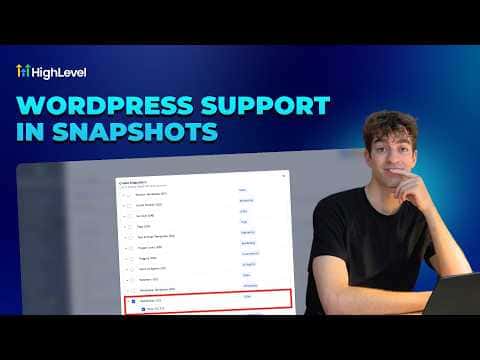
GoHighLevel snapshots can bundle a complete WordPress site, including its pages, theme, plugins, and settings, so you can deploy the same environment into any sub-account without rebuilding it by hand. When creating a snapshot at the agency level, scroll to the bottom of the asset list and toggle on WordPress Sites. Any existing WordPress site in the source sub-account appears in the dropdown and gets packaged with the snapshot.

2026年6月2日に更新

1:29

概要. GoHighLevel snapshots support full WordPress site inclusion, letting agencies replicate entire site environments across sub-accounts in one step. When creating a snapshot, enabling the WordPress Sites toggle packages the chosen site alongside other assets like funnels, workflows, and pipelines. Existing snapshots can be updated at any time through the Settings panel to add or remove the WordPress site without recreating the snapshot from scratch.

よくある質問

Can I add a WordPress site to an existing snapshot?

Yes, open the snapshot settings, go to Assets, and toggle the WordPress site on.

What parts of the WordPress site does the snapshot include?

Pages, theme, plugins, and settings are all bundled into the snapshot.

Where is the WordPress Sites toggle when creating a snapshot?

Scroll to the bottom of the asset list during snapshot creation to find it.

すでに作った人たちと、一緒に作ろう。

無料コミュニティに参加しましょう。毎週のライブ通話、最初に見るコース、あなたの言語のビルダーがいます。

Skoolに無料で参加