Email

How to Use Smart Send to Optimize Email Timing in GoHighLevel

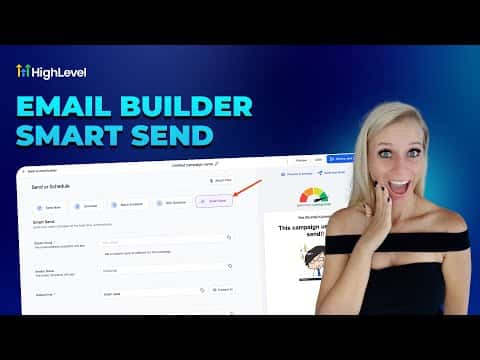
Smart Send is a GoHighLevel feature that analyzes your past email engagement data and recommends the best day and time to send your next campaign. It requires at least 1,000 emails sent in the last 60 days. When you schedule a campaign, select Smart Send instead of a manual time, pick your contacts, and click Get Suggestion. GoHighLevel returns a specific date and time based on when your audience has historically opened emails most.

2026年6月2日に更新

2:25

概要. Smart Send removes the guesswork from email scheduling by using your account's historical open and click data to surface the highest-engagement send window. The feature is available on the Send or Schedule screen for any email campaign. If the suggested time does not work, you can request another suggestion or override it with a manual date. After sending, open the Summaries section under Emails to see the Smart Send Impact report showing the effect on open rate and click rate.


よくある質問

How many emails do I need to have sent before Smart Send becomes available?

At least 1,000 emails sent in the previous 60 days from the sub-account.

Can I reject the suggested time and pick a different one?

Yes, click Get Suggestion again for another option, or use the calendar to choose manually.

Where do I check whether Smart Send improved my open rate?

Go to Marketing > Emails > Summaries and look for the Smart Send Impact section.

すでに作った人たちと、一緒に作ろう。

無料コミュニティに参加しましょう。毎週のライブ通話、最初に見るコース、あなたの言語のビルダーがいます。

Skoolに無料で参加