Email

How to Export Email Marketing Data in GoHighLevel

GoHighLevel stores all your email campaign performance data inside the platform, but clients and team members often need that data in a format they can work with outside the app. The export feature sends a CSV file directly to up to five email addresses, covering delivery, open, and click stats for any date range you choose. Past exports are saved and accessible any time.

2026年6月2日に更新

1:41

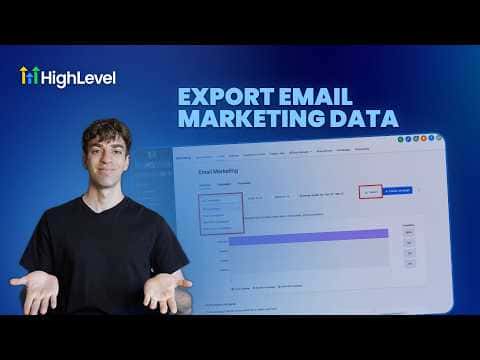
概要. The email data export in GoHighLevel lives under Marketing, Emails, Statistics. Select a date range, enter up to five recipient email addresses, and click Export. Each recipient gets an email with a download link for the CSV file. Past exports are logged under Recent Exports in both the Statistics view and the Campaigns settings, showing who ran the export and when, along with a direct download link.


よくある質問

How many email addresses can receive an exported CSV at once?

Up to five recipients can be added to a single export request.

Where do recipients find the exported file?

They receive an email with a download button linking to the CSV file.

Where can I see a history of past exports?

Check Recent Exports under Statistics or inside Campaigns settings.

すでに作った人たちと、一緒に作ろう。

無料コミュニティに参加しましょう。毎週のライブ通話、最初に見るコース、あなたの言語のビルダーがいます。

Skoolに無料で参加