Workflows & Automation

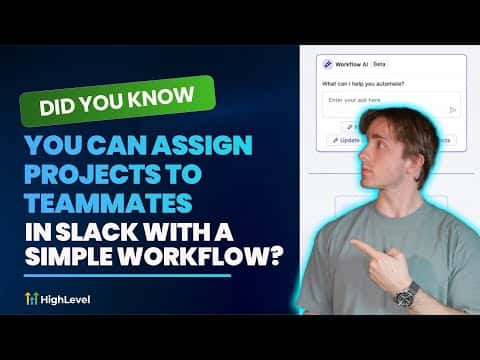
How to Assign Projects to Teammates in Slack Using GoHighLevel Workflows

GoHighLevel's Slack integration inside workflows lets you route client intake form submissions directly to the right team member as a Slack direct message or channel post. You connect Slack once under Settings and Integrations, then add the Slack action to any workflow. Dynamic user selection means the right person gets the right project without anyone manually forwarding information.

2 giugno 2026 aggiornato

6:29

Sommario. GoHighLevel workflows can send structured project assignments to Slack users automatically when a trigger fires, such as a contact form submission. After connecting a Slack workspace in the Integrations settings, you choose a Slack action, pick the recipient, and build the message with custom values from the trigger data. For more complex agencies, dynamic user assignment lets the workflow pick the correct team member based on the type of work requested.


Domande che le persone fanno

Where do I connect Slack in GoHighLevel?

Go to Settings, then Integrations, and find Slack near the bottom of the list.

Can I send messages to a Slack channel instead of a direct message?

Yes, the Slack action offers public channel, private channel, and direct message options.

Can I dynamically pick which Slack user gets the message?

Yes, the user source setting lets you assign the recipient based on workflow data.

Costruiscilo con persone che lo hanno già fatto.

Unisciti alla community gratuita: chiamate live settimanali, un corso Inizia qui e builder nella tua lingua.

Iscriviti gratuitamente su Skool