Questo articolo è attualmente disponibile in inglese. Leggi l’originale

Snapshot

Agency Client Onboarding Snapshot: GoHighLevel Snapshot

Agency Client Onboarding Snapshot is a niche GoHighLevel snapshot for agencies, SaaS Mode founders, and service providers who onboard clients into repeatable GoHighLevel builds. It includes the core funnels, workflows, pipeline, calendar placeholders, and follow-up paths listed below. It does not include your domain, deliverability setup, branding, contacts, or live testing. Import it as a starting point and customize it before launch.

  • 2 min di lettura
  • Sezioni 6
  • 31 maggio 2026 aggiornato
In questa pagina

A GoHighLevel snapshot for agencies that want intake, onboarding, kickoff booking, and client setup follow-up.

This is not a promise of instant results. The snapshot gives you a working base: the funnel structure, CRM stages, and automation paths. You still need to make it sound like your business, connect your tools, and test it before real leads arrive.

Who is the Agency Client Onboarding Snapshot best for?

Agencies, SaaS Mode founders, and service providers who onboard clients into repeatable GoHighLevel builds.

What does it include?

  • Client intake form with placeholders for brand, offer, domain, calendar, and access details.
  • Onboarding pipeline for New Client, Intake Sent, Intake Complete, Build Started, QA, Live, and Follow-up.
  • Welcome email and SMS sequence.
  • Kickoff call calendar placeholder.
  • Internal task workflow for setup steps after intake is submitted.
  • Client handoff email template with login, next steps, and support instructions.

What does it not include?

  • Does not include your custom domain setup.
  • Does not include email deliverability config. Set that up before turning on email workflows.
  • Does not include your brand assets, offer copy, prices, or legal terms.
  • Does not include your contacts, conversations, reporting history, or private client data.
  • Does not replace testing. Import it into a clean sub-account and test every form, workflow, and calendar before launch.
  • Does not create sub-accounts for you unless your SaaS Mode settings are already configured.
  • Does not include client contracts, scopes, or payment products.

How do you import this snapshot into GoHighLevel?

  1. Create or choose a clean GoHighLevel sub-account.
  2. Open Agency View, then go to Account Snapshots.
  3. Import the snapshot link into your agency snapshot library.
  4. Load the snapshot into the sub-account and review the asset conflict screen.
  5. Replace placeholder values like business name, phone number, address, booking link, and review link.
  6. Connect domains, calendars, phone numbers, email sending, payment tools, and any external accounts.
  7. Submit a test lead, book a test appointment, reply to a test SMS, and confirm every workflow fires in order.

What should you set up before email workflows run?

Snapshots can install email workflows, but they do not make email safe by themselves. Set up SPF, DKIM, DMARC, and a sending domain before you send from the snapshot. Read the GoHighLevel email deliverability guide before you turn on live sending.

Get this snapshot

Start GoHighLevel through our link to get the snapshot library, workflows, LeadMiner, CopyCat and other RocketLauncher tools at no extra cost. Then join the community to request access and the import link for an available snapshot. GoHighLevel subscription and usage charges are separate.

Start GoHighLevel + get the free bundle

Link di affiliazione: guadagniamo una commissione se ti iscrivi.
Already started through our link? Request access

Domande che le persone fanno

Can this snapshot onboard new agency clients?

Yes. It gives you a client intake form, onboarding pipeline, kickoff calendar placeholder, welcome sequence, and internal setup tasks.

Does it create a GoHighLevel sub-account automatically?

No. It can support that process, but automatic account creation depends on your SaaS Mode and billing setup.

Can I customize it for my agency process?

Yes. Change the pipeline stages, intake questions, task names, and handoff messages to match your delivery process.

Prova gratuita di 30 giorni + strumenti RocketLauncher gratuiti

Prova GoHighLevel per 30 giorni. Ottieni questi strumenti gratuitamente.

Iscriviti tramite il nostro link per una prova gratuita di GoHighLevel di 30 giorni. La tua libreria di snapshot, LeadMiner, CopyCat e gli altri strumenti RocketLauncher mostrati qui sono inclusi gratuitamente.

30 giorni per provare GoHighLevel. Tutti questi strumenti gratuiti.

Inizia la mia prova gratuita di 30 giorni

Utilizza il nostro collegamento per ottenere la versione di prova e gli strumenti gratuiti. Il tuo abbonamento GoHighLevel viene pagato dopo la prova; i costi di invio e i servizi di terze parti a pagamento sono separati.

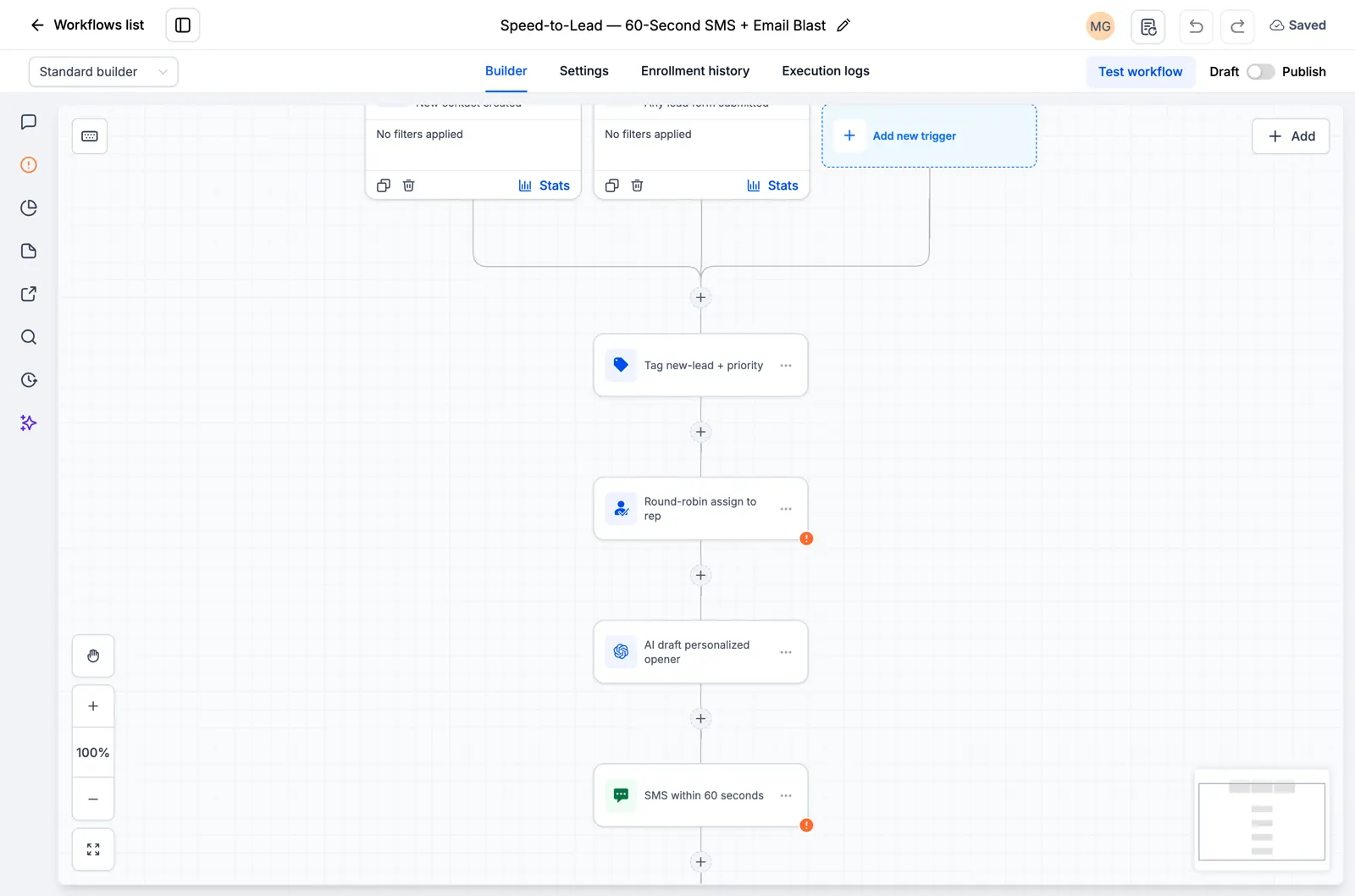
  • Flusso di lavoro GoHighLevel che mostra l'assegnazione dei lead e un passaggio di follow-up SMS
    All'interno di un flusso di lavoro GoHighLevel salvato

    Snapshot + flussi di lavoro

    Imposta il tuo follow-up più velocemente

    Importa configurazioni GoHighLevel già pronte per richieste, promemoria di appuntamenti e follow-up. Aggiungi i dettagli della tua attività e prova prima di accenderli.

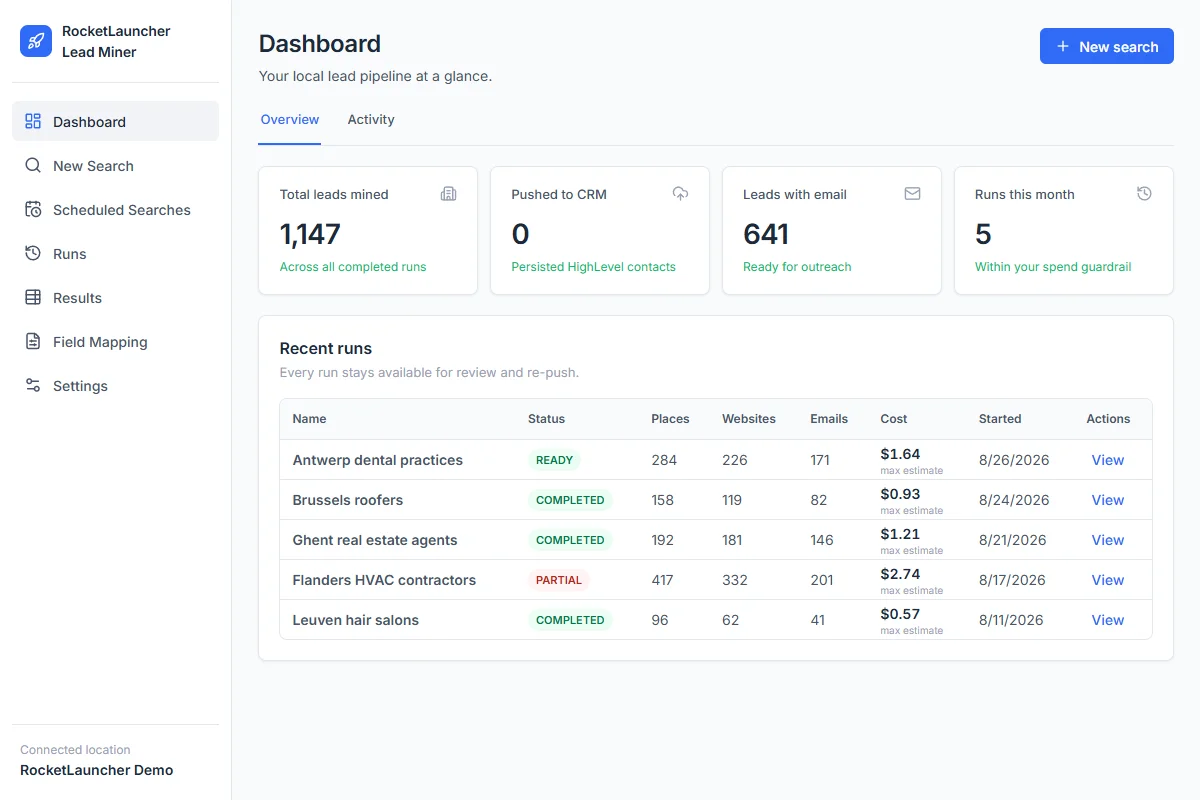
  • RocketLauncher Lead Miner dashboard demo che mostra le ricerche di attività commerciali locali e il conteggio dei lead
    Area di lavoro LeadMiner · Dati dimostrativi

    LeadMiner

    Trova attività a cui puoi vendere

    Cerca attività commerciali locali su Google Maps, esamina i loro siti Web e i dettagli di contatto, quindi invia contatti selezionati a GoHighLevel. Ad esempio: trova roofer che potrebbero utilizzare i tuoi servizi.

  • Immagine del prodotto Copy Cat GHL: copia i siti Web e le canalizzazioni GoHighLevel
    CopyCat per GoHighLevel

    CopyCat

    Copia una pagina. Adattala alla tua attività.

    Copia un sito web o una canalizzazione GoHighLevel nel tuo account. Modifica il logo, le immagini e il testo della tua azienda o del tuo cliente. Utilizza le pagine di tua proprietà o sei autorizzato a riutilizzarle.

  • Inoltre tutorial, aiuto della community e altri strumenti RocketLauncher

    Ottieni aiuto per configurare gli strumenti e mettere in funzione lo snapshot scelto.

Ottieni il pacchetto in 3 passaggi

  1. 1.Inizia la tua prova gratuita di 30 giorni

    Utilizza il nostro collegamento GoHighLevel qui sopra per ottenere la prova di 30 giorni e qualificarti per tutti gli strumenti gratuiti mostrati qui.

  2. 2.Richiedi il tuo accesso

    Unisciti alla community RocketLauncher e richiedi l'accesso al pacchetto dopo esserti registrato tramite il nostro link.

  3. 3.Scegli un'snapshot e installa

    Ottieni il collegamento di importazione per uno snapshot disponibile. Importalo nel tuo account GoHighLevel, aggiungi i dettagli della tua attività ed effettua un test prima dell'attivazione.

Hai già iniziato tramite il nostro link? Richiedi l'accesso

I pacchetti di anteprima sono ancora in fase di preparazione e non sono pronti per l'installazione. Controlla lo stato di ogni pacchetto prima di scegliere.

Link partner: guadagniamo una commissione se ti iscrivi, senza costi aggiuntivi per te.