Nesta página
A GoHighLevel snapshot for agencies that want intake, onboarding, kickoff booking, and client setup follow-up.
This is not a promise of instant results. The snapshot gives you a working base: the funnel structure, CRM stages, and automation paths. You still need to make it sound like your business, connect your tools, and test it before real leads arrive.
Who is the Agency Client Onboarding Snapshot best for?
Agencies, SaaS Mode founders, and service providers who onboard clients into repeatable GoHighLevel builds.
What does it include?
- Client intake form with placeholders for brand, offer, domain, calendar, and access details.
- Onboarding pipeline for New Client, Intake Sent, Intake Complete, Build Started, QA, Live, and Follow-up.
- Welcome email and SMS sequence.
- Kickoff call calendar placeholder.
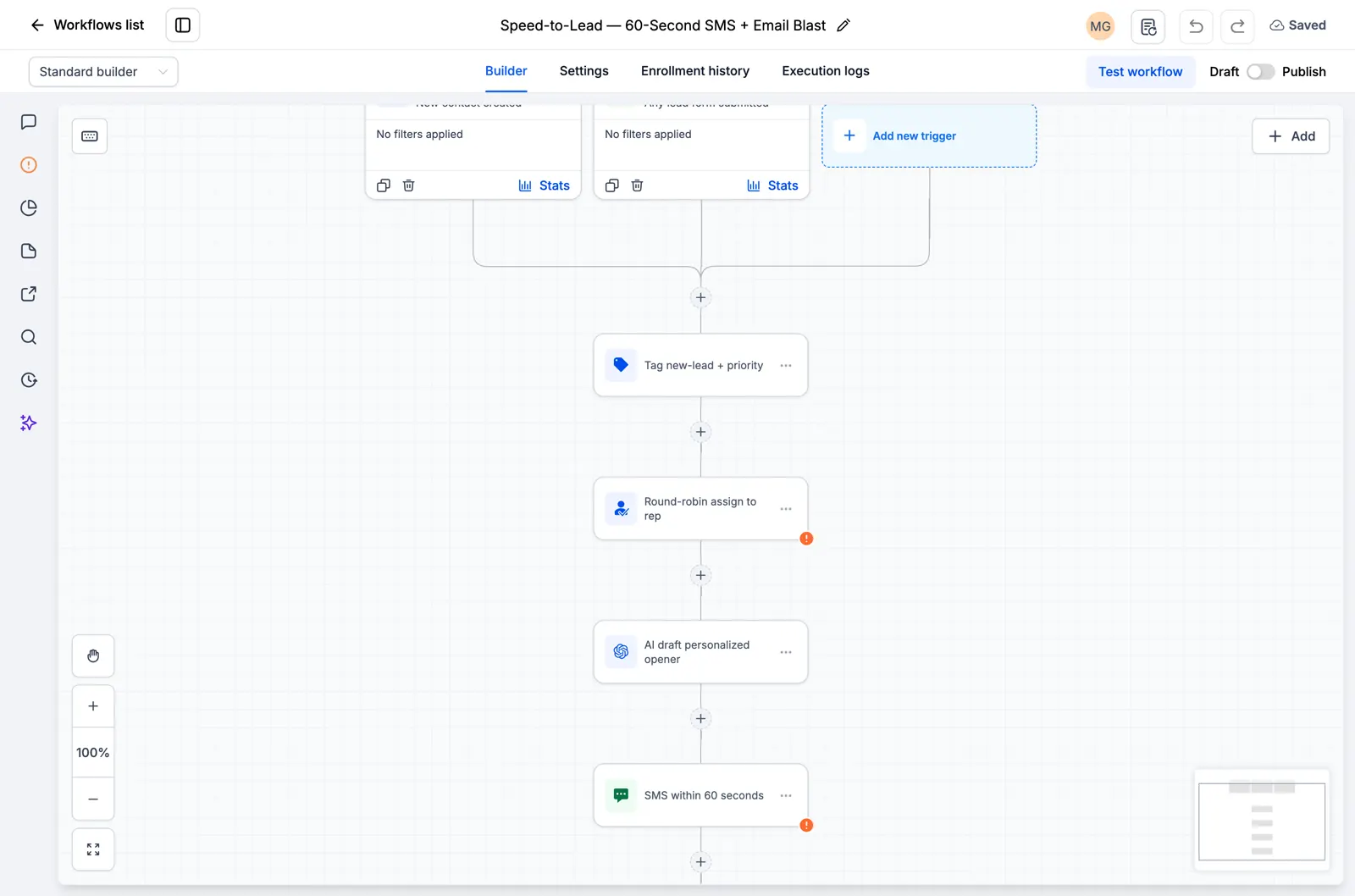
- Internal task workflow for setup steps after intake is submitted.
- Client handoff email template with login, next steps, and support instructions.
What does it not include?
- Does not include your custom domain setup.
- Does not include email deliverability config. Set that up before turning on email workflows.
- Does not include your brand assets, offer copy, prices, or legal terms.
- Does not include your contacts, conversations, reporting history, or private client data.
- Does not replace testing. Import it into a clean sub-account and test every form, workflow, and calendar before launch.
- Does not create sub-accounts for you unless your SaaS Mode settings are already configured.
- Does not include client contracts, scopes, or payment products.
How do you import this snapshot into GoHighLevel?
- Create or choose a clean GoHighLevel sub-account.
- Open Agency View, then go to Account Snapshots.
- Import the snapshot link into your agency snapshot library.
- Load the snapshot into the sub-account and review the asset conflict screen.
- Replace placeholder values like business name, phone number, address, booking link, and review link.
- Connect domains, calendars, phone numbers, email sending, payment tools, and any external accounts.
- Submit a test lead, book a test appointment, reply to a test SMS, and confirm every workflow fires in order.
What should you set up before email workflows run?
Snapshots can install email workflows, but they do not make email safe by themselves. Set up SPF, DKIM, DMARC, and a sending domain before you send from the snapshot. Read the GoHighLevel email deliverability guide before you turn on live sending.
Get this snapshot
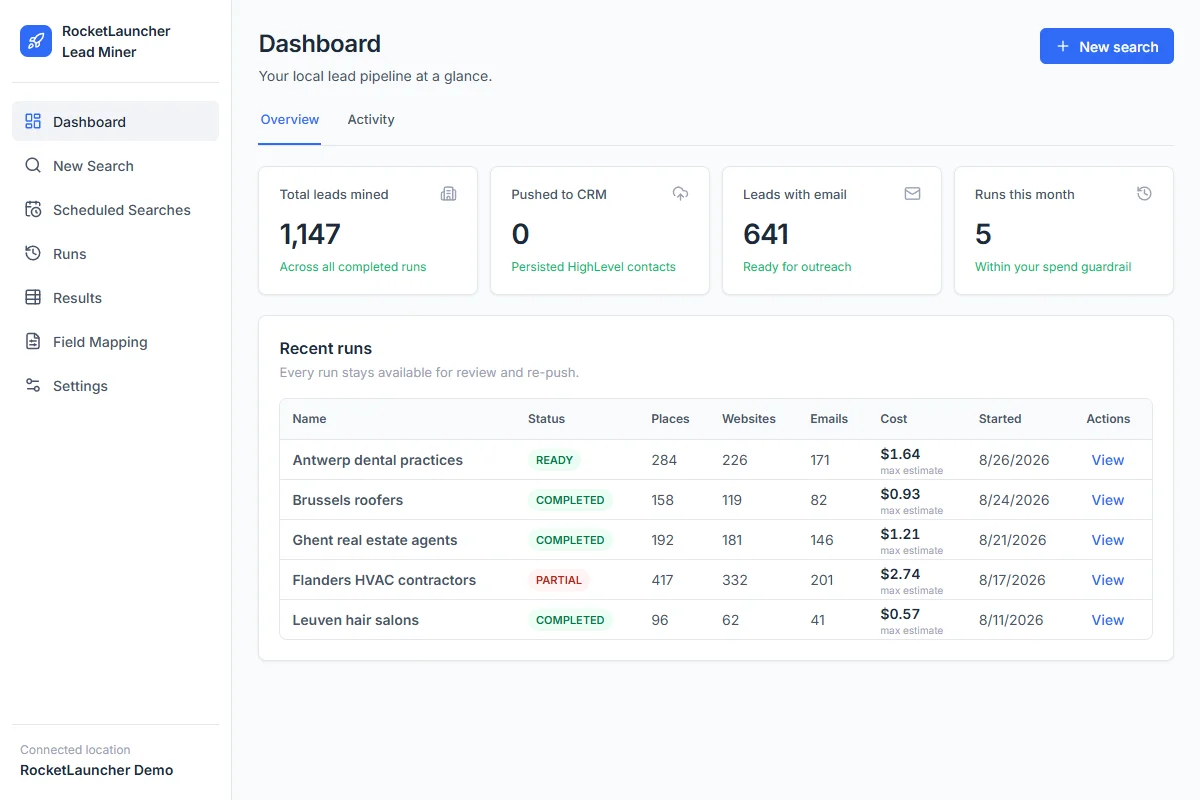
Start GoHighLevel through our link to get the snapshot library, workflows, LeadMiner, CopyCat and other RocketLauncher tools at no extra cost. Then join the community to request access and the import link for an available snapshot. GoHighLevel subscription and usage charges are separate.
Start GoHighLevel + get the free bundle
Link de afiliado: ganhamos uma comissão se você assinar.