Cet article est actuellement disponible en anglais. Lire l’original

Snapshot

Agency Client Onboarding Snapshot: GoHighLevel Snapshot

Agency Client Onboarding Snapshot is a niche GoHighLevel snapshot for agencies, SaaS Mode founders, and service providers who onboard clients into repeatable GoHighLevel builds. It includes the core funnels, workflows, pipeline, calendar placeholders, and follow-up paths listed below. It does not include your domain, deliverability setup, branding, contacts, or live testing. Import it as a starting point and customize it before launch.

  • 2 min de lecture
  • Sections 6
  • 31 mai 2026 mis à jour
Sur cette page

A GoHighLevel snapshot for agencies that want intake, onboarding, kickoff booking, and client setup follow-up.

This is not a promise of instant results. The snapshot gives you a working base: the funnel structure, CRM stages, and automation paths. You still need to make it sound like your business, connect your tools, and test it before real leads arrive.

Who is the Agency Client Onboarding Snapshot best for?

Agencies, SaaS Mode founders, and service providers who onboard clients into repeatable GoHighLevel builds.

What does it include?

  • Client intake form with placeholders for brand, offer, domain, calendar, and access details.
  • Onboarding pipeline for New Client, Intake Sent, Intake Complete, Build Started, QA, Live, and Follow-up.
  • Welcome email and SMS sequence.
  • Kickoff call calendar placeholder.
  • Internal task workflow for setup steps after intake is submitted.
  • Client handoff email template with login, next steps, and support instructions.

What does it not include?

  • Does not include your custom domain setup.
  • Does not include email deliverability config. Set that up before turning on email workflows.
  • Does not include your brand assets, offer copy, prices, or legal terms.
  • Does not include your contacts, conversations, reporting history, or private client data.
  • Does not replace testing. Import it into a clean sub-account and test every form, workflow, and calendar before launch.
  • Does not create sub-accounts for you unless your SaaS Mode settings are already configured.
  • Does not include client contracts, scopes, or payment products.

How do you import this snapshot into GoHighLevel?

  1. Create or choose a clean GoHighLevel sub-account.
  2. Open Agency View, then go to Account Snapshots.
  3. Import the snapshot link into your agency snapshot library.
  4. Load the snapshot into the sub-account and review the asset conflict screen.
  5. Replace placeholder values like business name, phone number, address, booking link, and review link.
  6. Connect domains, calendars, phone numbers, email sending, payment tools, and any external accounts.
  7. Submit a test lead, book a test appointment, reply to a test SMS, and confirm every workflow fires in order.

What should you set up before email workflows run?

Snapshots can install email workflows, but they do not make email safe by themselves. Set up SPF, DKIM, DMARC, and a sending domain before you send from the snapshot. Read the GoHighLevel email deliverability guide before you turn on live sending.

Get this snapshot

Start GoHighLevel through our link to get the snapshot library, workflows, LeadMiner, CopyCat and other RocketLauncher tools at no extra cost. Then join the community to request access and the import link for an available snapshot. GoHighLevel subscription and usage charges are separate.

Start GoHighLevel + get the free bundle

Lien d'affiliation : nous gagnons une commission si vous vous abonnez.
Already started through our link? Request access

Les questions que les gens posent

Can this snapshot onboard new agency clients?

Yes. It gives you a client intake form, onboarding pipeline, kickoff calendar placeholder, welcome sequence, and internal setup tasks.

Does it create a GoHighLevel sub-account automatically?

No. It can support that process, but automatic account creation depends on your SaaS Mode and billing setup.

Can I customize it for my agency process?

Yes. Change the pipeline stages, intake questions, task names, and handoff messages to match your delivery process.

Essai gratuit de 30 jours + outils RocketLauncher gratuits

Essayez GoHighLevel pendant 30 jours. Obtenez ces outils gratuitement.

Inscrivez-vous via notre lien pour un essai gratuit de 30 jours GoHighLevel. Votre bibliothèque d'snapshots, LeadMiner, CopyCat et les autres outils RocketLauncher présentés ici sont inclus gratuitement.

30 jours pour essayer GoHighLevel. Tous ces outils gratuits.

Commencer mon essai gratuit de 30 jours

Utilisez notre lien pour obtenir l’essai et les outils gratuits. Votre abonnement GoHighLevel est payé après l'essai ; les frais d’envoi et les services tiers payants sont distincts.

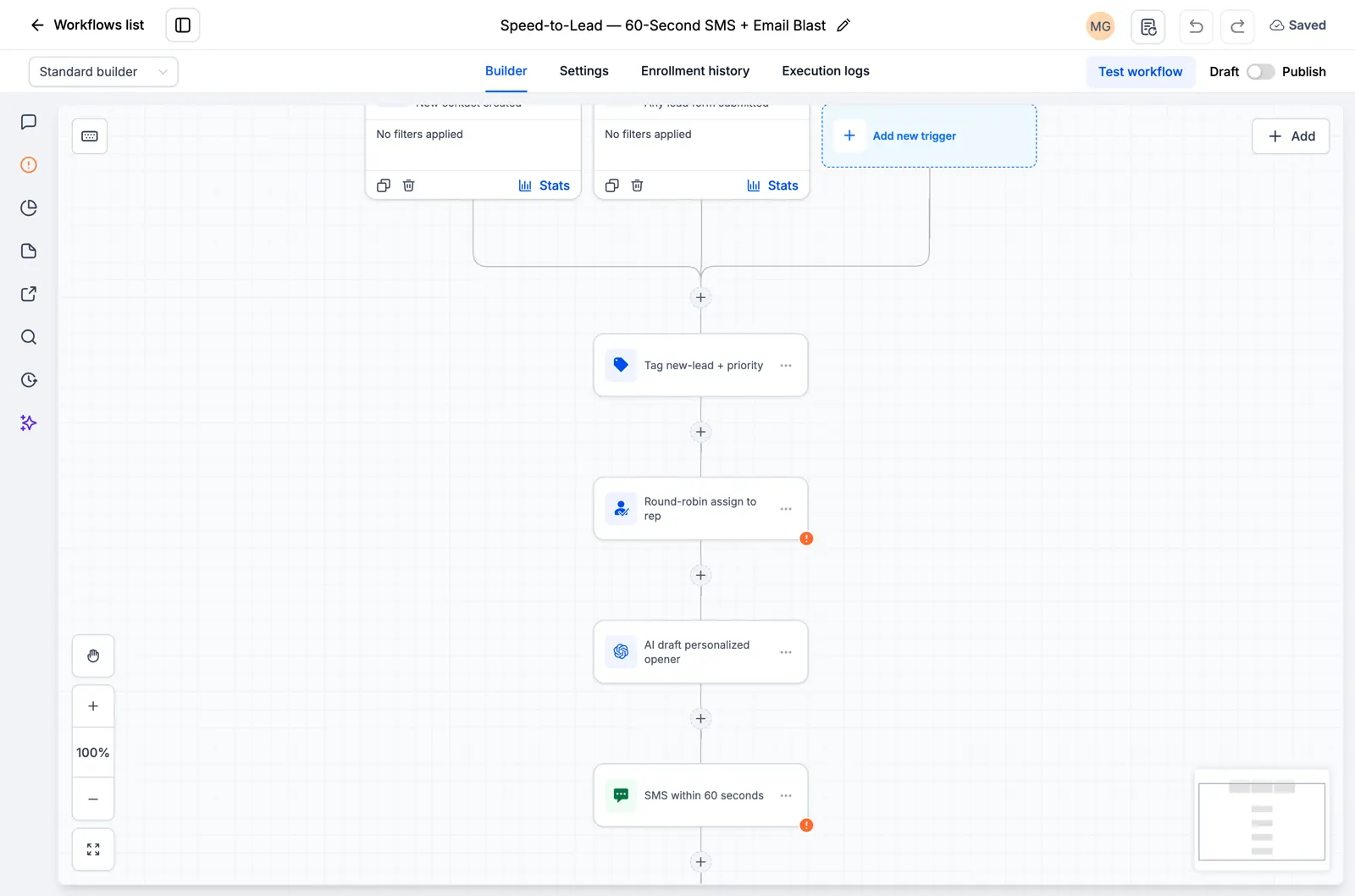
  • Flux de travail GoHighLevel montrant l'attribution de leads et une étape de suivi SMS
    Dans un flux de travail GoHighLevel enregistré

    Snapshots + flux de travail

    Configurez votre suivi plus rapidement

    Importez des configurations GoHighLevel prêtes à l’emploi pour les demandes de renseignements, les rappels de rendez-vous et le suivi. Ajoutez les détails de votre entreprise et testez avant de les activer.

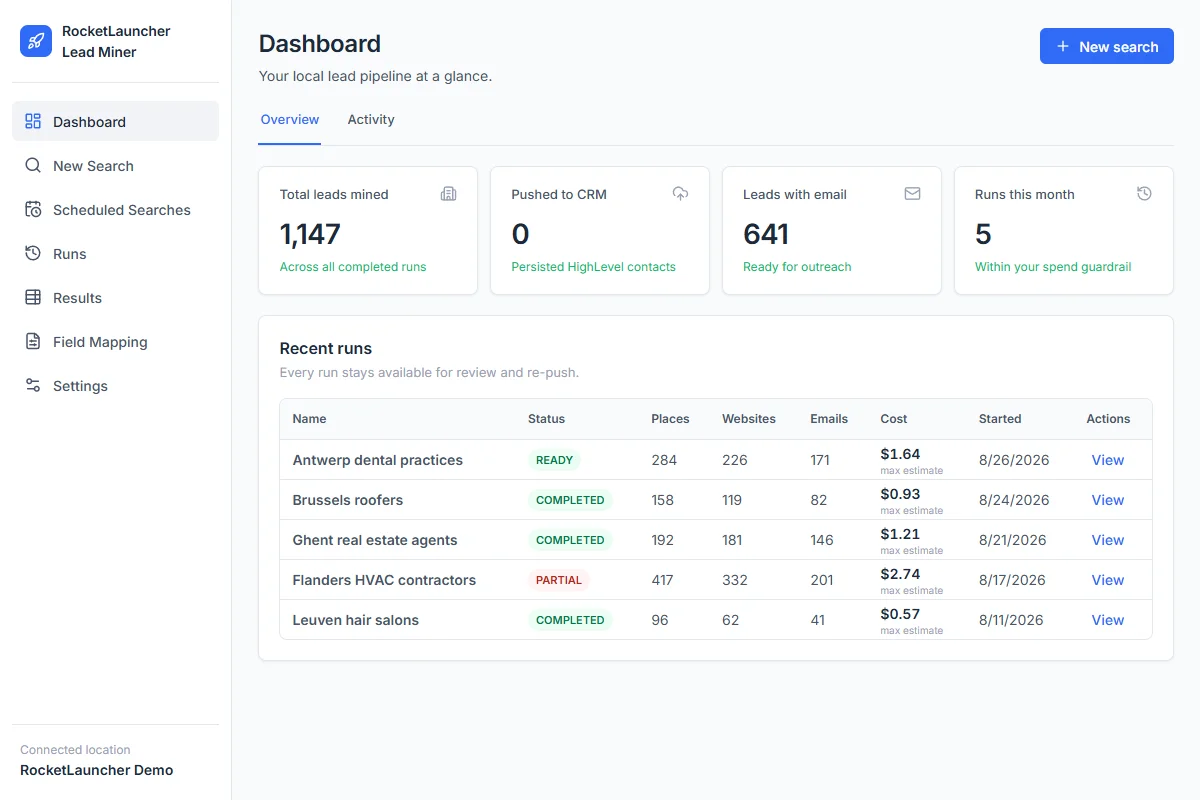
  • Tableau de bord de démonstration RocketLauncher Lead Miner affichant les recherches d'entreprises locales et le nombre de prospects
    Espace de travail LeadMiner · Données de démonstration

    LeadMiner

    Trouvez des entreprises auxquelles vous pouvez vendre

    Recherchez des entreprises locales sur Google Maps, consultez leurs sites Web et leurs coordonnées, puis envoyez les prospects sélectionnés à GoHighLevel. Par exemple : trouvez des couvreurs qui pourraient faire appel à vos services.

  • Image du produit Copy Cat GHL : copiez les sites Web et les entonnoirs GoHighLevel
    CopyCat pour GoHighLevel

    CopyCat

    Copiez une page. Adaptez-la à votre activité.

    Copiez un site Web ou un entonnoir GoHighLevel dans votre propre compte. Modifiez le logo, les images et le texte de votre entreprise ou de votre client. Utilisez les pages que vous possédez ou que vous êtes autorisé à réutiliser.

  • Plus des didacticiels, une aide communautaire et d'autres outils RocketLauncher

    Obtenez de l'aide pour configurer les outils et mettre en œuvre l'snapshot que vous avez choisi.

Obtenez le pack en 3 étapes

  1. 1.Commencez votre essai gratuit de 30 jours

    Utilisez notre lien GoHighLevel ci-dessus pour bénéficier de l'essai de 30 jours et bénéficier de tous les outils gratuits présentés ici.

  2. 2.Demandez votre accès

    Rejoignez la communauté RocketLauncher et demandez votre accès au forfait après vous être inscrit via notre lien.

  3. 3.Choisissez un snapshot et installez

    Obtenez le lien d'importation pour un snapshot disponible. Importez-le dans votre compte GoHighLevel, ajoutez les détails de votre entreprise et testez avant de l'activer.

Vous avez déjà commencé via notre lien ? Réclamer l'accès

Les packs de prévisualisation sont toujours en cours de préparation et ne sont pas prêts à être installés. Vérifiez l'état de chaque pack avant de choisir.

Lien partenaire : nous gagnons une commission si vous vous abonnez, sans frais supplémentaires pour vous.