 2:43
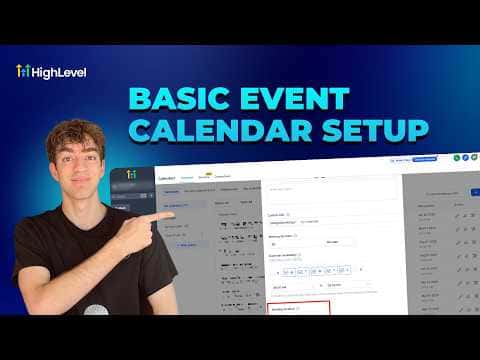
2:43सारांश. This tutorial walks through creating and configuring a GoHighLevel event calendar for situations where time slots matter but individual host assignments do not. It covers the creation flow, setting a physical or custom meeting location, adjusting availability hours, configuring booking rules like minimum notice and date range, attaching intake forms, enabling payments, and managing rescheduling and cancellation policies from the Notifications and Policies tab.
स्टेप
Open Calendar Settings
Go to Calendars in your sub-account, then click Calendar Settings in the top navigation.
Create an event calendar
Click New Calendar, then Explore More Types, and select Event Calendar from the options.
Configure name, URL, and duration
Enter a calendar name, adjust the custom URL slug, and set the event duration.
Set the meeting location
In Advanced Settings, go to Meeting Location and choose phone, full address, custom, or Ask the Booker. For in-person events, select Full Address so the location appears in all notifications.
Adjust availability
Go to the Availability section to set which days and hours slots are open. Add specific hours if standard hours need exceptions.
Set booking rules
Under Booking Rules, configure the meeting interval, minimum scheduling notice, and the date range during which bookings are accepted.
Attach a form or enable payments
In Advanced Settings, attach an intake form. In the Payments tab, toggle Accept Payments on once a payment provider is connected.
Share the booking link
Click the arrow next to the calendar, choose Share Calendar, and copy the link to distribute or embed on a page.