Workflows & Automation

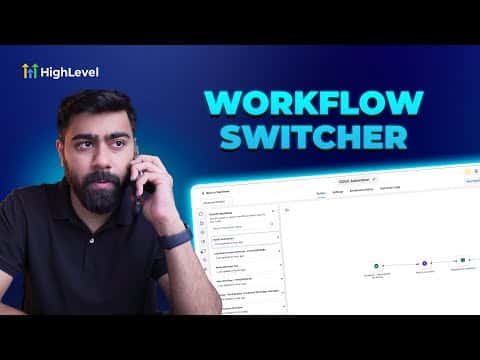
GoHighLevel Workflow Switcher: Build Automations Faster

The workflow switcher in GoHighLevel's advanced builder lets you jump between recently opened workflows without going back to the main list. You can open multiple workflows side by side in separate browser windows and copy steps from one into another using standard keyboard shortcuts, which is useful when reusing branches or actions across automations.

2 juin 2026 mis à jour

2:55

Résumé. GoHighLevel's workflow switcher appears inside the advanced workflow builder and shows a history of recently accessed workflows. Pressing Shift and W opens it as a quick-launch panel where you can search by name or select from the recent list to open a workflow in a new window. With two workflows open side by side, you can select steps in one, copy them with Cmd C or Ctrl C, switch to the other, and paste directly into the canvas.


Les questions que les gens posent

Where is the workflow switcher in GoHighLevel?

Inside the advanced workflow builder, via the switcher button or the Shift and W shortcut.

Can you copy and paste actions between workflows?

Yes. Select steps, copy with Cmd C or Ctrl C, open the target workflow, and paste.

Does the workflow switcher work in the standard builder?

No. You need to be in the advanced builder to access it.

Construisez-le avec des personnes qui l'ont déjà fait.

Rejoignez la communauté gratuite : des appels en direct hebdomadaires, un cours Commencez ici et des constructeurs dans votre langue.

Inscrivez-vous gratuitement sur Skool