AI & Voice Agents

How to Integrate Custom Agents into Ask AI with GoHighLevel

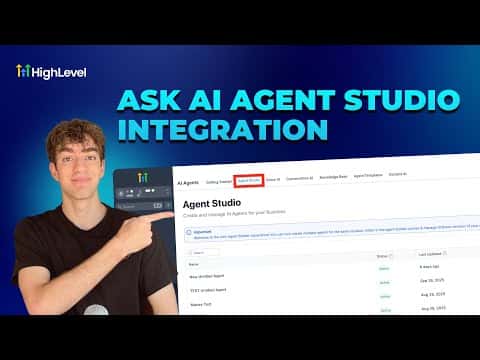
GoHighLevel's Ask AI interface supports custom agent integration, letting you extend the built-in AI assistant with agents you have built in Agent Studio. Once connected, your custom agent appears as an available tool inside the Ask AI sidebar, and you can invoke it alongside the platform's native capabilities for contacts, conversations, and campaigns.

2 juin 2026 mis à jour

2:22

Résumé. This short tutorial explains how to connect a custom Agent Studio agent to the Ask AI interface in GoHighLevel, making it available as a callable tool within the chat-based AI sidebar. It covers where to find the integration setting and what the result looks like once the agent is linked and accessible from within the Ask AI conversation.


Les questions que les gens posent

Where do you connect a custom agent to Ask AI?

Inside Agent Studio and the Ask AI settings area within your GoHighLevel sub-account.

Can Ask AI call a custom agent during a conversation?

Yes. Once connected, Ask AI can invoke the custom agent as one of its available tools.

Does this require any external API configuration?

No. The integration is handled natively within GoHighLevel between Agent Studio and Ask AI.

Construisez-le avec des personnes qui l'ont déjà fait.

Rejoignez la communauté gratuite : des appels en direct hebdomadaires, un cours Commencez ici et des constructeurs dans votre langue.

Inscrivez-vous gratuitement sur Skool