SMS & Phone

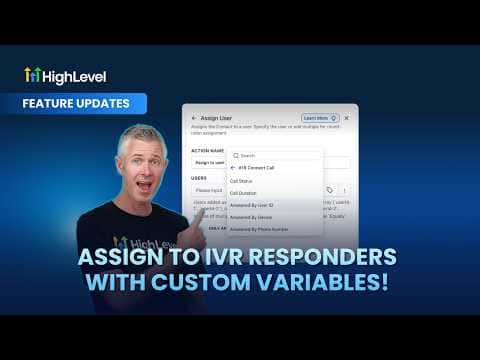
Assign IVR Responders with Custom Variables in GoHighLevel

GoHighLevel's IVR call connect feature now exposes three custom variables: answered by user ID, answered by device, and answered by phone number. You can feed the user ID variable into a workflow action to automatically assign a contact or opportunity to whoever picked up the call, making inbound call routing dynamic and trackable without any manual reassignment.

2 juin 2026 mis à jour

1:51

Résumé. When a call routes through the GoHighLevel IVR and a team member answers, new custom variables capture exactly who picked up and on which device. Those variables plug directly into workflow actions, letting you auto-assign contacts, create opportunities, and fire follow-up emails or SMS messages tied to the specific person who took the call. This removes the manual step of reassigning leads after every inbound call.

Les questions que les gens posent

What are the new IVR custom variables?

Answered by user ID, answered by device, and answered by phone number.

Where can I use these variables?

In workflow actions, notes, SMS, and email templates.

Does this affect future calls from the same contact?

Yes, once assigned, subsequent calls can route automatically to that same person.

Construisez-le avec des personnes qui l'ont déjà fait.

Rejoignez la communauté gratuite : des appels en direct hebdomadaires, un cours Commencez ici et des constructeurs dans votre langue.

Inscrivez-vous gratuitement sur Skool