Reporting & Dashboards

How to Visualize Custom Objects Data in GoHighLevel Dashboards

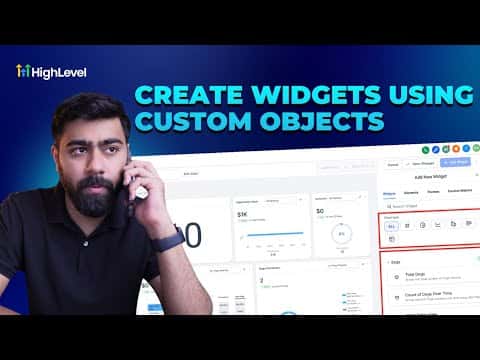
GoHighLevel dashboards can display data from Custom Objects, not just standard CRM fields. Once you have a custom object set up (such as orders, properties, or service records), you can add numeric, line, and bar widgets that pull from it and show counts, totals over time, or summed values. The same data is also available inside Custom Reports for scheduled delivery.

2 juin 2026 mis à jour

3:00

Résumé. This tutorial shows how to build a GoHighLevel dashboard that uses Custom Objects as its data source. It covers creating a new dashboard, adding a numeric widget for total object count, a line chart for objects created over time, and a bar chart for summed field values, then explains how to access that same object data inside Custom Reports for scheduled reporting.


Les questions que les gens posent

Can GoHighLevel dashboard widgets pull from Custom Objects?

Yes. Custom Objects appear as a data source category when you configure numeric, line, and bar widgets.

What kinds of metrics can I display for a Custom Object?

Total count, count over time (line chart), and sum of a numeric field (bar chart) are all available.

How do I schedule a Custom Objects report to send to clients automatically?

Import the dashboard into Custom Reports, then set a sending schedule by frequency, day, and time.

Construisez-le avec des personnes qui l'ont déjà fait.

Rejoignez la communauté gratuite : des appels en direct hebdomadaires, un cours Commencez ici et des constructeurs dans votre langue.

Inscrivez-vous gratuitement sur Skool