Reporting & Dashboards

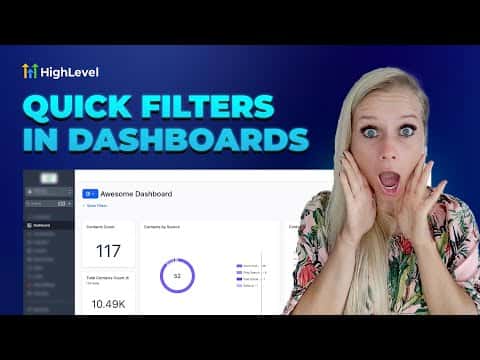
How to Use Quick Filters on GoHighLevel Dashboards

Quick filters in GoHighLevel let individual users slice dashboard data by fields like assigned user, appointment status, or opportunity stage without needing edit permissions on the dashboard itself. Each person's filter selections are saved to their own browser session, so one person filtering by a specific team member does not affect what anyone else sees. Quick filters work alongside existing widget-level filters using AND logic.

2 juin 2026 mis à jour

4:15

Résumé. GoHighLevel's quick filter feature gives dashboard viewers the ability to narrow data by contacts, appointments, or opportunities without touching the underlying dashboard configuration. Filters are personal and session-based, meaning each user sets their own and they reset between sessions. Admins configure which filter fields are available, and users with view-only access can apply but not modify those options.
Les questions que les gens posent

Do quick filters affect what other users see on the same dashboard?

No, quick filter selections are saved per user and do not change the view for others.

How many quick filters can I add to a dashboard?

The current maximum is five quick filters per dashboard.

What happens when a quick filter conflicts with a widget-level filter?

Both apply together using AND logic, so data must match both conditions to appear.

Construisez-le avec des personnes qui l'ont déjà fait.

Rejoignez la communauté gratuite : des appels en direct hebdomadaires, un cours Commencez ici et des constructeurs dans votre langue.

Inscrivez-vous gratuitement sur Skool