Payments & Invoicing

Configure Payment Providers by Channel in GoHighLevel

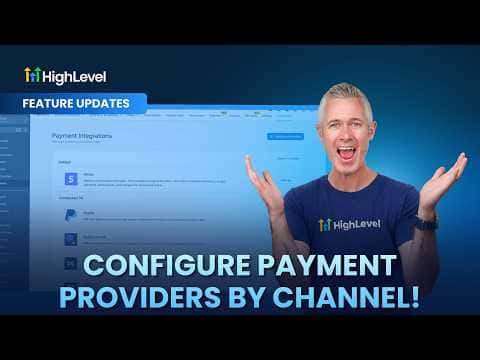
GoHighLevel now lets you assign a different payment processor to each sales channel in your account. Funnels, forms, calendars, invoices, stores, and payment links can each use their own provider, and you set live and test modes independently. The sub-account global default still applies to any channel you leave unconfigured.

2 juin 2026 mis à jour

1:30

Résumé. Instead of routing every transaction through one processor, GoHighLevel lets you match the payment provider to the channel. You can accept Stripe on your storefront, PayPal on invoices, and a different processor on calendars, all from the same sub-account. Live and test configurations are managed separately, so testing a new provider does not affect live transactions.


Les questions que les gens posent

Which channels support per-channel payment provider configuration?

Funnels, forms, stores, calendars, invoices, payment links, courses, communities, and services.

Can I configure live and test modes with different providers?

Yes. Live and test are configured independently per channel.

What happens if I assign a provider that is not connected to the sub-account?

It will not work. Only connected providers appear as options.

Construisez-le avec des personnes qui l'ont déjà fait.

Rejoignez la communauté gratuite : des appels en direct hebdomadaires, un cours Commencez ici et des constructeurs dans votre langue.

Inscrivez-vous gratuitement sur Skool