 6:12
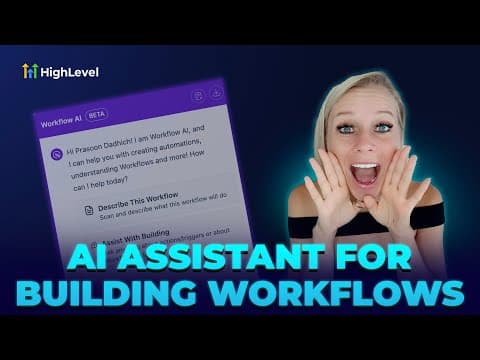
6:12Resumen. This tutorial covers the two AI modes inside GoHighLevel's funnel and website builder: Assist mode, which walks through a guided setup covering industry, goal, audience, and tone, and Build mode, which lets you describe a multi-page structure in free text. It shows how the AI generates copy, images, color schemes, and SEO titles automatically, and how to keep editing with or without AI after the initial draft is created.
Pasos
Open the AI builder
Go to Sites in your sub-account and choose Funnels or Websites. Create a new one and click Build with AI to open the canvas with the AI assistant panel.
Choose Assist mode or Build mode
Assist mode asks step-by-step questions about your industry, goal, audience, tone, and a reference URL or image. Build mode accepts a free-text description of the full structure you want, such as a three-page coaching funnel with a consultation form.
Generate and review the draft
Click Generate. The AI works through five tasks: analyzing any reference, drafting copy, selecting images, writing SEO titles and descriptions, and assembling the layout. The full page appears in seconds.