 2:25
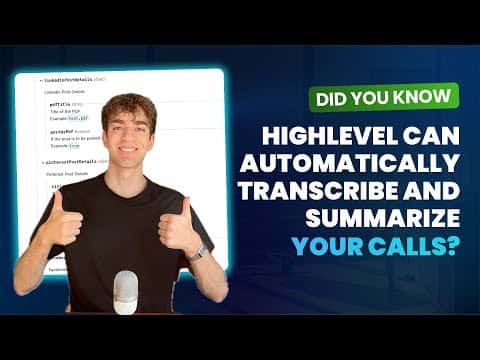
2:25Resumen. GoHighLevel's call transcription feature converts recorded conversations into searchable text automatically. A companion workflow can take that transcript, run it through GoHighLevel's AI summarization action, and deliver a concise recap to your team via internal notification. The setup requires call recording and call transcription to be active in the sub-account's Phone System settings, and the workflow uses the Transcript Generated trigger to fire after each call.
Pasos
Enable call recording and transcription
In the sub-account, go to Settings, then Phone System, then Voice. Toggle on both Call Recording and Call Transcription.
Create a workflow with the Transcript Generated trigger
Go to Automation, then Workflows, and create a new workflow from scratch. Add a trigger, select Transcript Generated, choose All Calls as the type, and save the trigger.
Add the AI summarize action
Click the plus to add an action and choose Workflow AI Summarize Text. In the Input Text field, use the custom value picker to select the transcript from the Transcript Generated custom values.
Send the summary as an internal notification
Add a Send Internal Notification action. Set the type to Notification, give it a title, and in the message body use the custom value for the AI summarize action's response output. Choose which users receive it, then save and publish.