Integrations & API

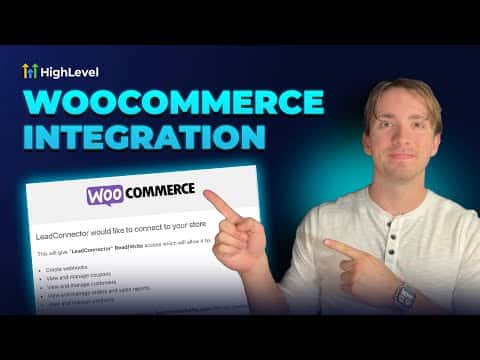
How to Integrate WooCommerce with GoHighLevel

GoHighLevel's WooCommerce integration lets you connect an existing WordPress store to your sub-account so that contacts, orders, and payments sync automatically into the CRM. Go to Integrations inside your sub-account settings, enter your store URL, choose which data to import, configure the sync triggers, and authorize the connection on the WooCommerce side.

Aktualisiert 2. Juni 2026

2:34

Zusammenfassung. GoHighLevel includes a native WooCommerce integration that pulls contacts, orders, and transactions from an existing WooCommerce store into the sub-account CRM. Once connected, order and payment triggers can drive workflows and automations. All imported orders appear in the Payments section, imported contacts appear in the CRM, and each order record shows its WooCommerce source.
Fragen, die Menschen stellen

Where do I find the WooCommerce integration in GoHighLevel?

Go to Settings, then Integrations, and scroll to the bottom of the list.

Do I need to enter my store URL with a trailing slash?

No. Leave out any trailing slash when entering your WooCommerce store link.

What data can I import from WooCommerce?

You can import contacts, orders, and transactions, each controlled by a toggle.

Bauen Sie es mit Leuten auf, die es bereits getan haben.

Treten Sie der kostenlosen Community bei: wöchentliche Live-Anrufe, ein Start-hier-Kurs und Builder in Ihrer Sprache.

Kostenlos anmelden unter Skool