Speed to lead

Missed Call Text Back Workflow for GoHighLevel

Missed Call Text Back is one of 30 automated GoHighLevel workflows in the RocketLauncher master snapshot library. Its trigger is "Call ended (set filter: missed)". After that it runs 6 steps on its own, with no one at the keyboard.

  • 1 min de leitura
  • 4 seções
  • Atualizado em 1 de agosto de 2026
Nesta página

When a call goes unanswered, this workflow texts the caller back right away, tags them, opens an opportunity, and alerts the team if an hour passes with no reply.

  • Category: Speed to lead.
  • 6 steps run automatically once the trigger fires.
  • Join RocketLauncher University, free to join, to get this workflow and the other 29 in one import.

Trigger

A phone call reaches this status (Call ended (set filter: missed)).

Steps

#StepAction typeWhat it does
TriggerCall ended (set filter: missed)Call statusA phone call reaches this status (Call ended (set filter: missed)).
1Text the caller backSmsSends a text message: "Text the caller back."
2Tag missed callAdd contact tagTags the contact: Tag missed call.
3Open opportunityCreate opportunityOpens an opportunity in your pipeline: Open opportunity.
4Wait 1 hoursWaitPauses the workflow before continuing: Wait 1 hours.
5Still no reply?If elseChecks a condition and splits into two paths: Still no reply?.
6Alert team: caller never repliedInternal notificationSends your team an internal alert: Alert team: caller never replied.

What to set up before you turn it on

  1. Filter the call trigger to status = missed/no-answer
  2. Set business_name

How to test it worked

  1. Trigger the workflow with a test contact of your own, using a real phone number and email you control.
  2. Watch each step fire in order inside GoHighLevel and confirm the text and email actually arrive.
  3. Check that any tag, opportunity, or task the workflow creates shows up correctly before you send it to a real lead.

About 15 minutes to import and connect. Difficulty: beginner.
Perguntas frequentes

Is this workflow free?

This workflow is one of 30 inside RocketLauncher University, a community that is free to join. Join with Google or email, no card required, and the whole library is inside.

Do I need to build this from scratch in GoHighLevel?

No. It comes as part of a snapshot you import into your own GoHighLevel sub-account. After import you connect your own phone number, calendar, and custom values, then test it before it goes live.

What do I need to set up before Missed Call Text Back runs?

Before you turn it on: Filter the call trigger to status = missed/no-answer. Set business_name.

30-day free trial + free RocketLauncher tools

Try GoHighLevel for 30 days. Get these tools free.

Sign up through our link for a 30-day GoHighLevel free trial. Your snapshot library, LeadMiner, CopyCat and the other RocketLauncher tools shown here are included free.

30 days to try GoHighLevel. All these tools free.

Start my 30-day free trial

Use our link to get the trial and free tools. Your GoHighLevel subscription is paid after the trial; sending costs and paid third-party services are separate.

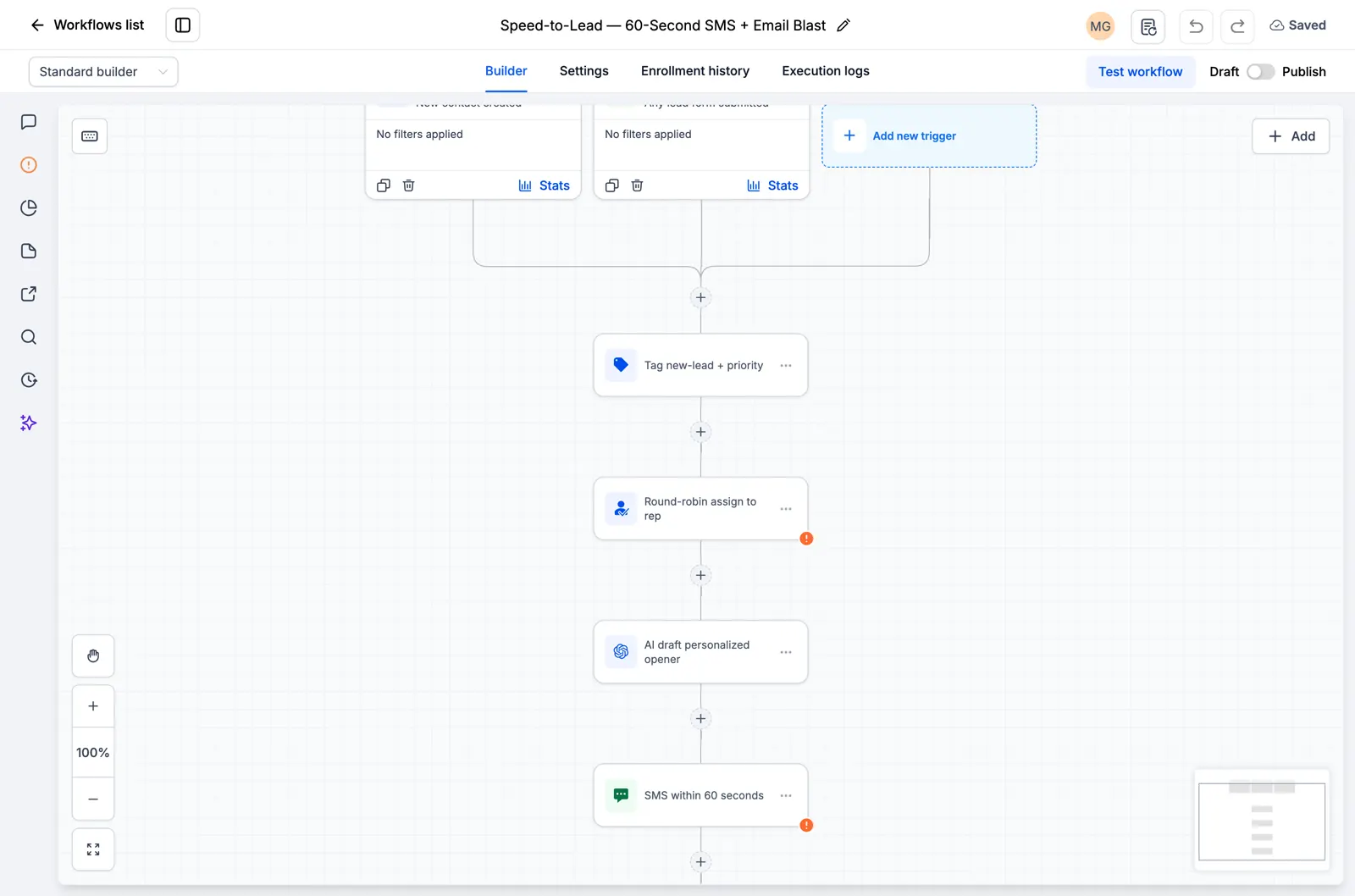
  • GoHighLevel workflow showing lead assignment and an SMS follow-up step
    Inside a saved GoHighLevel workflow

    Snapshots + workflows

    Set up your follow-up faster

    Import ready-made GoHighLevel setups for enquiries, appointment reminders and follow-up. Add your business details and test before switching them on.

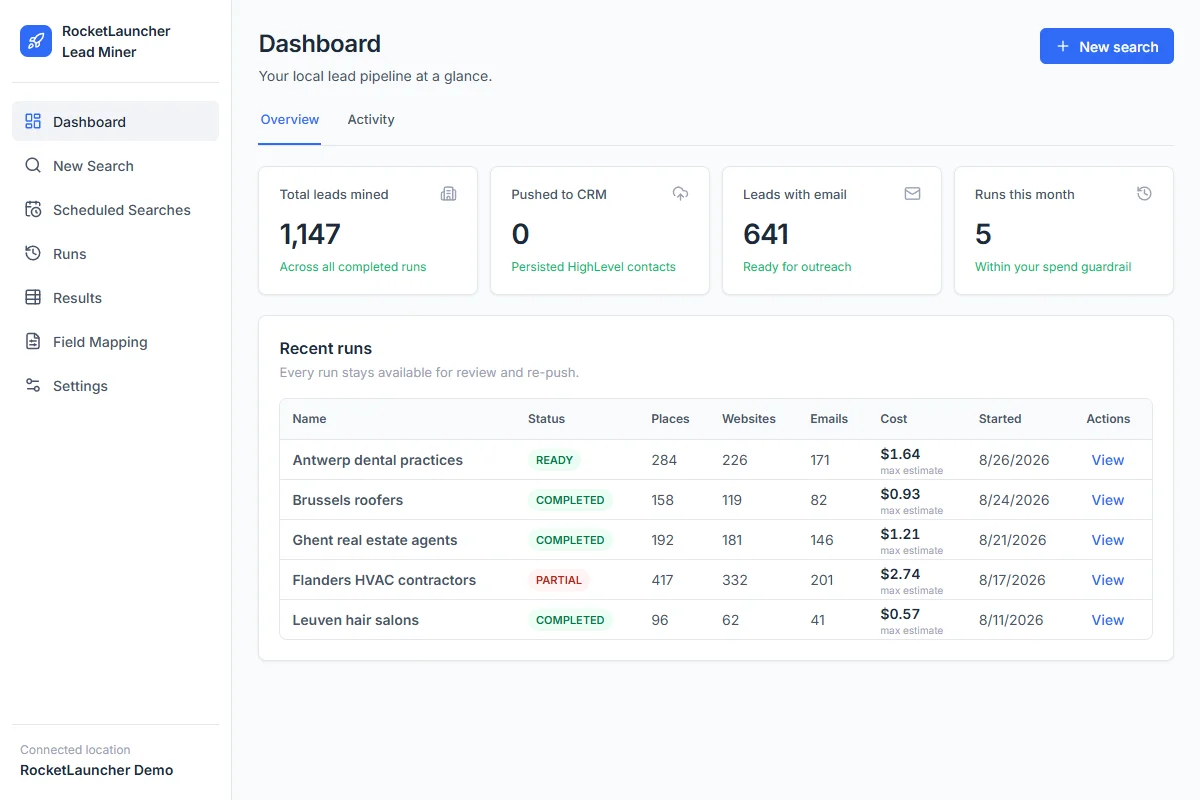
  • RocketLauncher Lead Miner demo dashboard showing local business searches and lead counts
    LeadMiner workspace · Demo data

    LeadMiner

    Find businesses you can sell to

    Search for local businesses on Google Maps, review their websites and contact details, then send selected leads to GoHighLevel. For example: find roofers who could use your services.

  • Copy Cat GHL product image: copy GoHighLevel websites and funnels
    CopyCat for GoHighLevel

    CopyCat

    Copy a page. Make it your own.

    Copy a GoHighLevel website or funnel into your own account. Change the logo, images and text for your business or client. Use pages you own or have permission to reuse.

  • Plus tutorials, community help and more RocketLauncher tools

    Get help setting up the tools and putting your chosen snapshot to work.

Get the bundle in 3 steps

  1. 1.Start your 30-day free trial

    Use our GoHighLevel link above to get the 30-day trial and qualify for all the free tools shown here.

  2. 2.Request your access

    Join the RocketLauncher community and ask for your bundle access after signing up through our link.

  3. 3.Choose a snapshot and install

    Get the import link for an available snapshot. Import it into your GoHighLevel account, add your business details and test before activating.

Already started through our link? Claim access

Preview packs are still being prepared and are not ready to install. Check each pack's status before choosing.

Partner link: we earn a commission if you subscribe, at no extra cost to you.