Workflows & Automation

How to Trigger GoHighLevel Workflows from Video Watch Progress

GoHighLevel's video progress tracking fires a workflow automation when a contact watches a defined percentage of a video or webinar on your funnel page. Combined with a form-gating step for unregistered visitors, this lets you capture contact info and follow up based on actual viewing behavior rather than just a page visit.

Atualizado em 2 de junho de 2026

5:05

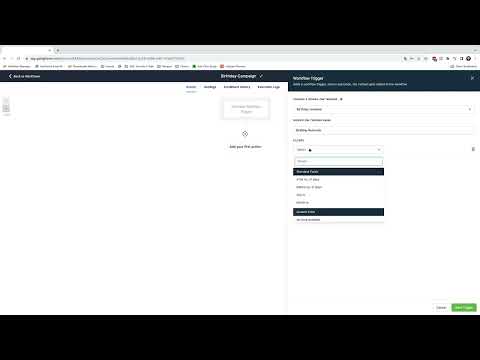
Resumo. The video progress tracking feature attaches a watch-percentage trigger to any video element on a GoHighLevel funnel page. When a visitor hits the threshold you set, such as 10% or 25% watched, a workflow fires automatically. For unknown visitors, you can redirect them to a form page first so you capture their details before the tracking begins.

Perguntas frequentes

What is the video progress tracking trigger based on?

The percentage of the video watched, not the number of seconds.

What happens if GoHighLevel does not have the visitor's contact information?

Redirect unregistered visitors to a form page inside the same funnel to capture their details first.

Why should the progress bar be disabled on the video element?

Disabling it prevents contacts from scrubbing back and forth, which keeps the watch-percentage reading accurate.

Crie com quem já criou.

Entre na comunidade gratuita: lives semanais, um curso para começar e criadores no seu idioma.

Entre de graça no Skool