 5:34
5:34Resumo. GoHighLevel's Facebook Messenger integration turns Messenger ad replies into automated campaign contacts. A quick reply button in a Messenger ad triggers the workflow, adding the contact to a sequence and sending follow-up messages automatically. Ongoing conversations appear in the GoHighLevel inbox under a dedicated Messenger tab, and contacts can be merged with existing lead records to unify communication history.
O que você vai aprender
- Use Facebook Messenger as a campaign channel in GoHighLevel
- Trigger automated follow-up sequences from Messenger ad replies
- Include trigger links inside Messenger messages to move contacts through a pipeline
- Manage Messenger conversations from the GoHighLevel unified inbox
- Merge Messenger contacts with existing lead profiles to avoid duplicates
Passos
Run a Facebook Messenger ad with a quick reply
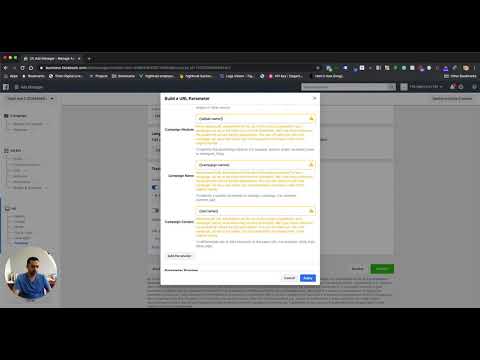
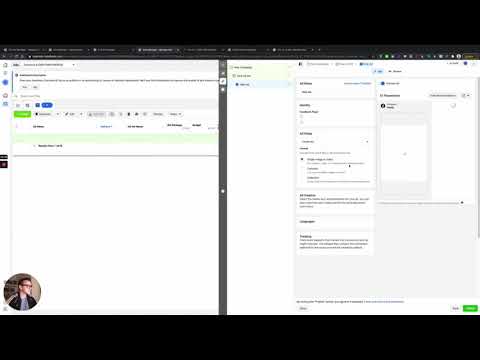
In Meta Ads Manager, create a Messenger ad with a quick reply button. When a user taps that button, Messenger opens and their reply flows into GoHighLevel as a new contact or matches an existing one.
Connect your Facebook Page to GoHighLevel
In the sub-account, go to Settings then Integrations and connect your Facebook Page. This is what allows GoHighLevel to receive and send messages on behalf of that page.
Create a campaign with a Messenger action
Open the Campaigns section and create a new campaign. Add a Messenger action step, write the message body using contact merge fields, and include any trigger links you want to use for tracking clicks or advancing pipeline stages.
Add the contact to the campaign on reply
Configure the campaign trigger so that when someone sends the initial Messenger reply from the ad, they are added to the campaign automatically. The first message in the campaign goes out immediately.
Reply manually from the GoHighLevel inbox
In Conversations, click the Messenger tab on the contact record to send one-off replies. The contact receives your message in their Facebook Messenger, and their reply comes back into GoHighLevel in real time.
Merge Messenger contacts with existing records
If a Messenger contact is a duplicate of an existing lead (someone who previously submitted a form), open the contact and use the merge option to combine the records. This preserves the full history in one place.
Dicas
- Keep the first Messenger message short and include one clear question or action. Long opener messages reduce engagement.
- Trigger links inside Messenger messages work the same way as in SMS campaigns, so you can use them to tag contacts or move them to pipeline stages.
- The 24-hour messaging window is a Facebook rule. Automated messages must go out within 24 hours of the last user message or they will not be delivered.