 3:55
3:55Resumo. The Transcript Generated workflow trigger fires whenever a call recording is transcribed inside GoHighLevel, giving you access to a rich set of custom values including call direction, duration, caller location, and the full transcript text. You can filter by call type or length, branch the workflow with if/else conditions based on transcript data, and send notifications or follow-up messages automatically. Call transcription must be turned on in the sub-account's Phone System settings before the trigger becomes active, and there is a per-transcription usage charge.
Passos
Enable call transcription
In the sub-account, go to Settings, then Phone System, then Voice, and toggle on Call Transcription.
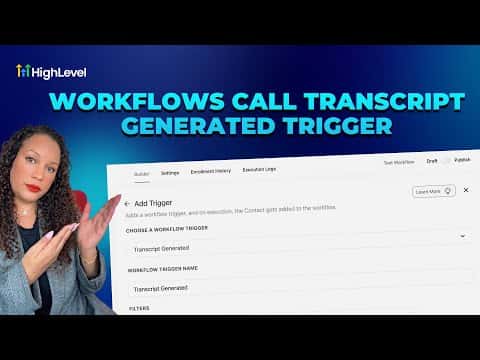
Create a new workflow and add the trigger
Go to Automation, then Workflows, and create a new workflow from scratch. Add a trigger and search for Transcript Generated, then select the call type (calls, IVR, or Voice AI).
Add filters and actions
Use the Duration in Seconds field to filter for meaningful calls. Add if/else branches or notification actions using the custom values available under Transcript Generated.