Getting Started & General

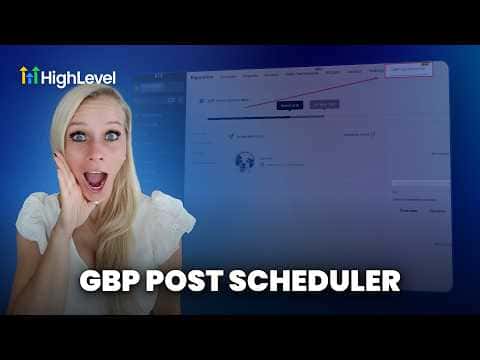
Schedule Google Business Profile Posts with GoHighLevel Social Planner

GoHighLevel's Social Planner connects directly to your Google Business Profile, letting you write or generate posts with AI and schedule them weeks in advance. Posts can include images (including AI-generated ones), a call to action button, and a specific publish time. Scheduled and published posts are visible in both the Social Planner and the Reputation section of your account.

Atualizado em 2 de junho de 2026

5:24

Resumo. The Google Business Profile post scheduler lives inside GoHighLevel's Social Planner and Reputation sections. You create a new post by selecting your connected Google Business account, write copy manually or use the AI generator with brand voice, tone, and goals, then add an image (upload your own or generate one with AI) and schedule it for the best time. Published and upcoming posts appear under Reputation, Google My Business Optimization, Updates and Scheduled Posts.

Passos

  1. Open the Social Planner

    Click Reputation in the left menu, then Google My Business Optimization, then Updates. Click Schedule a Post to be taken to the Social Planner.

  2. Create and generate your post content

    Click New Post, select your Google Business account from the dropdown, then either type your post (1,500 character limit) or use Generate with AI. Set brand voice, language, tone, key message, goal, and number of variations, then generate and select the version you prefer.

  3. Add an image and schedule

    Add an image from your media library or generate one with AI. Choose a call to action type (book, call, learn more, etc.), then click Schedule Post and pick your preferred time and time zone.
Perguntas frequentes

Where can I see posts that have already been published to Google Business Profile?

Under Reputation, Google My Business Optimization, click Updates to see all published posts.

Can I edit a scheduled Google Business Profile post after saving it?

Yes, click the post in the Scheduled Posts list and select Edit to return to the Social Planner.

What call to action options are available for Google Business Profile posts in GoHighLevel?

You can choose none, book, order, shop, learn more, sign up, or call.

Crie com quem já criou.

Entre na comunidade gratuita: lives semanais, um curso para começar e criadores no seu idioma.

Entre de graça no Skool