 2:46
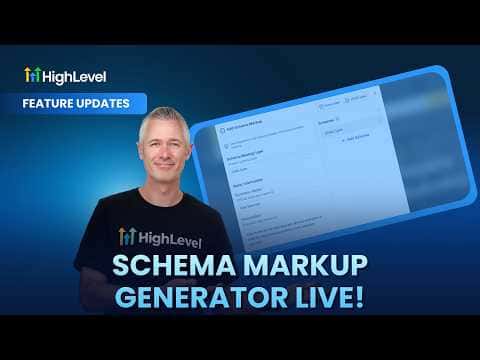
2:46Resumo. The schema markup generator in GoHighLevel lets you add structured data to funnel and website pages without leaving the platform. You select a schema type that matches your business, fill in the relevant properties through a guided form, and the tool generates valid JSON-LD that gets saved to that specific page. Search engines use this data to better understand your content and how it should appear in results.
Passos
Enable the feature in Labs
The schema markup generator is in GoHighLevel Labs. Turn it on there before trying to access it in the builder.
Open the SEO and AI settings for your page
Inside the funnel or website builder, open the page settings. The SEO metadata section has been renamed to SEO and AI. The schema markup generator is available there.
Choose a schema type and fill in the fields
Select the schema type that fits your page, such as a local business, childcare center, or organization. The form view shows all available properties for that type. Fill in what applies to your business.
Review and publish
Switch to the JSON view if you want to make manual edits. When ready, click save and publish. The schema is saved to that specific page only, so repeat for any other pages that need it.