Email

How to Import Mailchimp Emails into the GoHighLevel Designer Editor

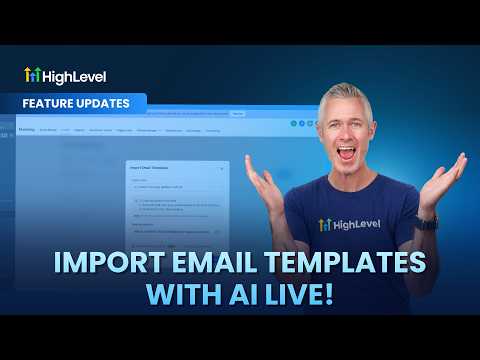
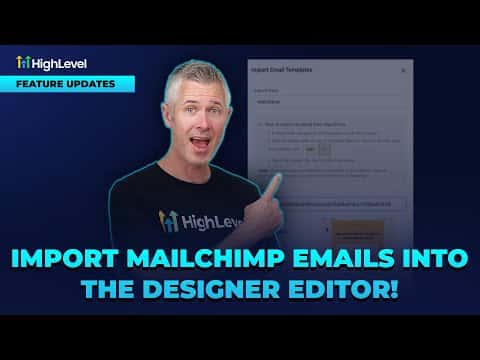
GoHighLevel can pull in an existing Mailchimp email template and convert it into a fully editable drag-and-drop design, not just a locked HTML file. Once imported, every block is live in the email builder so you can change text, images, colors, and layout without touching any code. This means you do not have to rebuild your Mailchimp templates from scratch.

Atualizado em 2 de junho de 2026

1:16

Resumo. This walkthrough shows how to import a Mailchimp email template into GoHighLevel's drag-and-drop designer. The imported template becomes fully editable inside the builder, so any block can be adjusted just like a natively created email. The process takes only a few clicks from the Marketing section.

Passos

  1. Navigate to Email Templates

    Go to Marketing, then Emails, then Templates inside your GoHighLevel account.

  2. Start the Import

    Click the import option and paste in the URL of the Mailchimp template you want to bring over.

  3. Open in the Design Editor

    After the import completes, choose 'Open in Design Editor' to load the template as an editable drag-and-drop layout rather than static HTML.

Perguntas frequentes

Can I edit the imported Mailchimp template without knowing HTML?

Yes, the design editor gives you drag-and-drop control over every block.

Does GoHighLevel support importing from other email platforms too?

More platform importers are planned beyond Mailchimp.

Crie com quem já criou.

Entre na comunidade gratuita: lives semanais, um curso para começar e criadores no seu idioma.

Entre de graça no Skool