
Biblioteca de vídeos
GoHighLevel Domain and Setup Tutorials
These tutorials cover domains and account setup in GoHighLevel. You learn to add a domain, set up root and sub-domains, forward WWW to non-WWW, redirect domains with Cloudflare page rules, and buy a dedicated IP address. Domains are the foundation your funnels, emails, and white-label brand sit on. Start by adding your domain, then handle the WWW redirect so every link resolves.
Atualizado em 2 de junho de 2026
Todos os tutoriais de Domains & Setup
 2:12How to Set Up Subdomains in GoHighLevel54 mil visualizações
 5:36How to Set Up a Root Domain in GoHighLevel45 mil visualizações
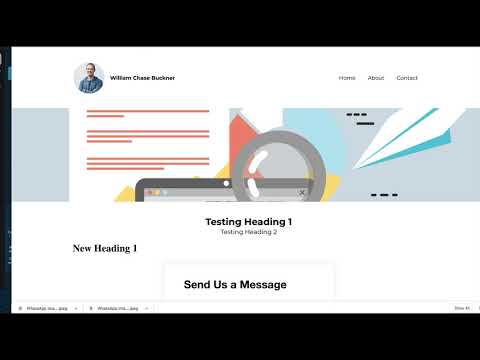 2:44Forward WWW to Non-WWW Domains Using Google Domains14 mil visualizações
 3:24How to Add a Domain in GoHighLevel12 mil visualizações
 7:16Redirect GoHighLevel Domains With Cloudflare Page Rules10 mil visualizações
 5:22How to Buy a Dedicated IP Address in GoHighLevel5,6 mil visualizações
 4:07Purchase and Set Up Domains Directly in GoHighLevel3,5 mil visualizações
Temas relacionados
- EmailSet up sending the right way: dedicated domains, LC Email, Mailgun, unsubscribe links, and sending from multiple domains.
- Funnels & WebsitesBuild pages in the funnel and website builder: blogs, custom values as color codes, meta tags, the webchat widget, and ClickFunnels imports.
- SaaS Mode & AgencyResell the platform: configure SaaS Mode plans, white-label domains, snapshots, sub-account transfers, and branded apps.
Perguntas frequentes
How do I add a domain to GoHighLevel?
You point your domain DNS to HighLevel, then connect it in settings.
What is the difference between a root and a sub-domain?
A root domain is yoursite.com. A sub-domain is app.yoursite.com.
Should I forward WWW to non-WWW?
Yes. Forwarding keeps one canonical address so links and SEO stay consistent.
Do I need a dedicated IP address?
A dedicated IP can help email sending reputation for high-volume accounts.