Workflows & Automation

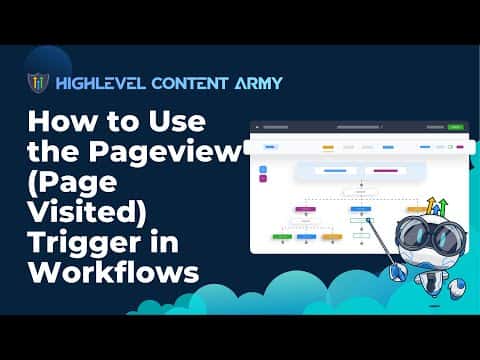
How to Use the Page Visited Trigger in GoHighLevel Workflows

The Page Visited trigger in GoHighLevel fires a workflow when a known contact lands on a specific funnel or website page. Because GoHighLevel tracks the contact's session once they are in your CRM, you can start automated follow-up based on which pages they view, without needing a form submission to kick things off.

2026年6月2日に更新

7:53

概要. GoHighLevel's Page Visited workflow trigger monitors funnel and website page views for contacts already in your CRM. When a contact visits a page you specify, the workflow fires and can send an SMS, assign a tag, notify a team member, or take any other automated action. This is useful for following up on high-intent pages like pricing or sales pages without waiting for the contact to fill out another form.

よくある質問

Does the Page Visited trigger work for anonymous visitors?

No. The contact must already exist in GoHighLevel for the trigger to fire.

Which pages can trigger this workflow?

Any GoHighLevel funnel page or website page you select in the trigger filter.

Can the trigger fire every time a contact visits the page or only once?

You control this with the Allow Re-entry setting on the workflow trigger.

すでに作った人たちと、一緒に作ろう。

無料コミュニティに参加しましょう。毎週のライブ通話、最初に見るコース、あなたの言語のビルダーがいます。

Skoolに無料で参加