 9:54
9:54概要. GoHighLevel exposes its Conversation AI features through versioned public APIs, giving developers full control over agents and their actions without manual UI work. The API covers attaching appointment booking, workflow triggers, human handover, and other actions to any agent, as well as creating, updating, and deleting agents entirely via code. A private integration token with Conversation AI read and write scopes is the only credential required to get started.
ステップ
Open the API 2.0 documentation
Navigate to the GoHighLevel API 2.0 docs and scroll to the Conversation AI section. You will find action endpoints and agent management endpoints listed there.
Create a private integration token
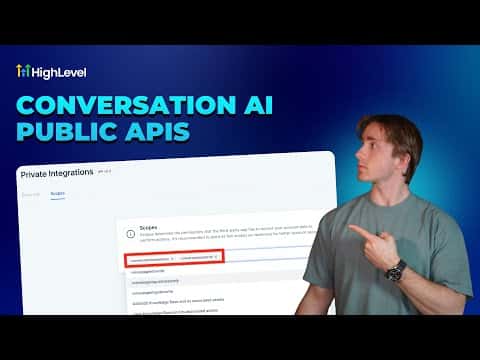
In your GoHighLevel account, go to Settings then Private Integrations. Create a new token and add only the Conversation AI Read and Conversation AI Write scopes.
Attach or manage actions via API
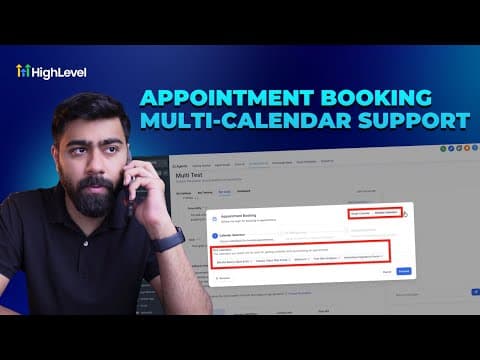
Use the attach-action endpoint to add capabilities such as appointment booking or workflow triggers to an existing agent. Pass the agent ID and the action configuration in the request body.