AI & Voice Agents

How to Configure Language Options for Voice AI Agents in GoHighLevel

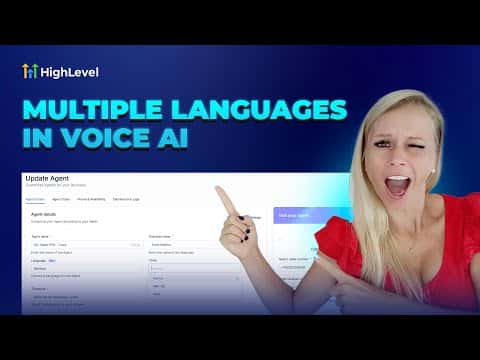
GoHighLevel Voice AI agents support multiple languages including English, German, French, Spanish, Italian, Dutch, and Brazilian Portuguese, with more being added over time. Each language has its own set of available voices. Setting the language correctly also means updating the agent's initial greeting message to match, while the main prompt can remain as-is since the system detects the language automatically.

2026年6月2日に更新

2:24

概要. Language configuration for a Voice AI agent lives in the agent's settings under the language dropdown. After selecting a language, you choose a matching voice from the available options and update the initial message to reflect the chosen language. The rest of the agent prompt does not need to be translated. Each agent supports one language per configuration, so running agents for multiple languages requires creating a separate agent for each.

よくある質問

Can one Voice AI agent handle multiple languages in the same call?

No, each agent operates in a single configured language per session.

Do I need to translate the full agent prompt when changing languages?

No, only the initial greeting message needs translating. The system handles the rest.

Where do I access Voice AI agent settings in GoHighLevel?

Go to Settings in the bottom left, then select Voice AI Agents from the left panel.

すでに作った人たちと、一緒に作ろう。

無料コミュニティに参加しましょう。毎週のライブ通話、最初に見るコース、あなたの言語のビルダーがいます。

Skoolに無料で参加