
Reviews & Reputation

How to Integrate Multi-Platform Reviews into GoHighLevel

GoHighLevel lets you pull reviews from more than 40 external platforms, including Airbnb, Amazon, Yelp, Google Play, and Capterra, directly into your Reputation dashboard. Paste the listing URL for each platform, hit integrate, and all reviews appear in one place. From there you can filter, monitor, and surface them on your site through the review widget.

2026年6月2日に更新

2:00

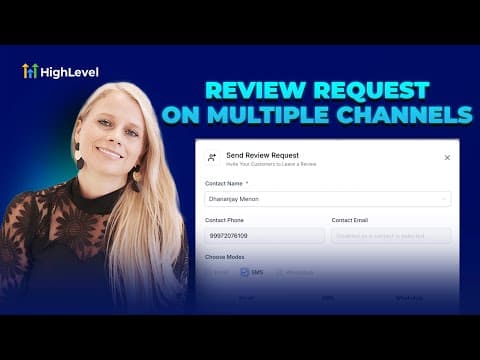
概要. GoHighLevel's multi-platform review integration connects external review sources (Airbnb, Amazon, Capterra, Yelp, and dozens more) to a single Reputation dashboard. You add each platform by pasting its listing URL in the Integrations tab under Reputation settings. Once connected, reviews flow in automatically and can be filtered by date range, displayed alongside your Google and Facebook reviews, and included in the review widget for use on websites and funnels.

よくある質問

Which platforms can I integrate with the GoHighLevel review dashboard?

Over 40 platforms, including Airbnb, Amazon, Yelp, Capterra, Google Play, and more.

How do I add a new review platform?

Go to Reputation, Settings, Integrations, select the platform, paste the listing URL, and click Integrate.

Can I mix reviews from different platforms in one review widget?

Yes. You can control the percentage of reviews shown from each connected source.

すでに作った人たちと、一緒に作ろう。

無料コミュニティに参加しましょう。毎週のライブ通話、最初に見るコース、あなたの言語のビルダーがいます。

Skoolに無料で参加