 3:09
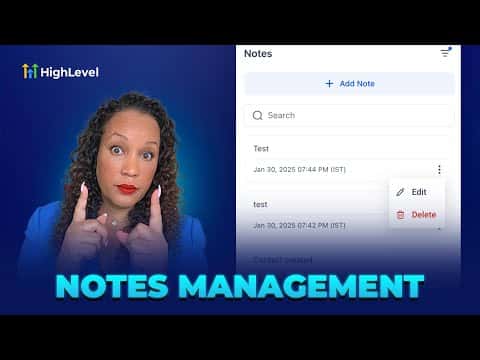
3:09概要. Notes in GoHighLevel are accessible from contact profiles, company records, and directly on pipeline opportunity cards, giving your team a central place to record conversations and decisions. You can filter notes by the team member who wrote them, the associated contact, or the date created, and search by keyword across all three areas. Notes appear in chronological order showing the timestamp and author, so everyone knows what happened and who handled it.
ステップ
Add notes to a contact
Open the contact record and click the pencil icon on the right side. Type your note and save. You can filter or search notes directly within this panel.
Add notes to a company
Go to Contacts, then Companies, open the company record, and click the pencil icon. Notes here apply to the whole company, and you can filter by associated contact or date.
Add notes inside your pipeline
In the Opportunities pipeline, locate the contact card and click the note icon (it shows a count if notes exist). Add or review notes without leaving the board view.