Getting Started & General

Run Private Client Communities in GoHighLevel Memberships

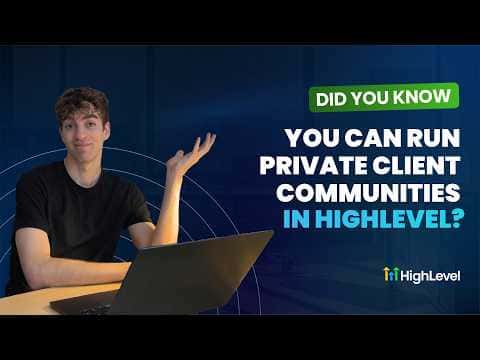
GoHighLevel's Communities feature lets you create membership-only groups where clients access content, post, and interact without leaving your platform. You control visibility at the group level (public or private) and at the channel level (private or read-only). Courses, events, and direct member invites can all live inside the same group, turning it into a standalone client portal.

2026年6月2日に更新

1:29

概要. Private communities in GoHighLevel are created under Memberships, Communities, Groups and can be set to private so only approved members see the posts inside. Within each group you can create individual channels with their own access settings, including private channels or read-only broadcast channels. Groups also support courses and events, making them a complete client engagement space without relying on outside platforms.
よくある質問

Where do I go to create a private community group in GoHighLevel?

Go to Memberships, Communities, then Groups, and click the blue button.

Can individual channels inside a group have different privacy settings?

Yes, each channel can be set to private or read-only independent of the group setting.

Can I add a course or event inside a GoHighLevel community group?

Yes, groups support adding courses, events, and direct member invitations.

すでに作った人たちと、一緒に作ろう。

無料コミュニティに参加しましょう。毎週のライブ通話、最初に見るコース、あなたの言語のビルダーがいます。

Skoolに無料で参加