 4:21
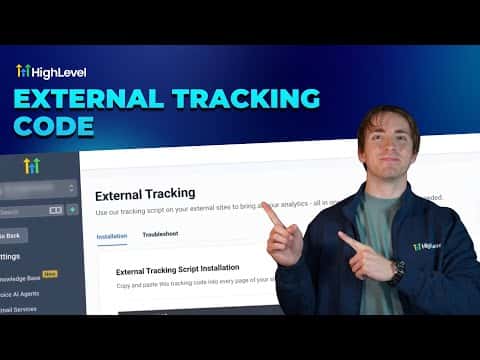
4:21概要. The external tracking feature in GoHighLevel generates a sub-account-specific script you paste before the closing body tag on any external site. After installation, form submissions and page views from that site appear inside GoHighLevel alongside your native form data. A troubleshooting tab helps diagnose common setup issues.
ステップ
Copy the external tracking script
Go to Settings in your sub-account, scroll down, and click External Tracking. Click 'Copy Script' to copy the tracking code unique to that sub-account.
Paste the script into your external site
Paste the code into every page of the external site, immediately before the closing body tag. The exact location in your site settings varies by website builder. Look for 'tracking code', 'head and body scripts', or similar options.
Confirm installation
Right-click any page on the external site, choose Inspect, and check that the tracking code appears near the bottom of the HTML just before the closing body tag.
View form submissions and page views
Back in GoHighLevel under External Tracking, you can see recorded page views and a link to the external form submissions page. Filter form submissions by selecting External Forms to see only submissions from outside the platform.