 1:57
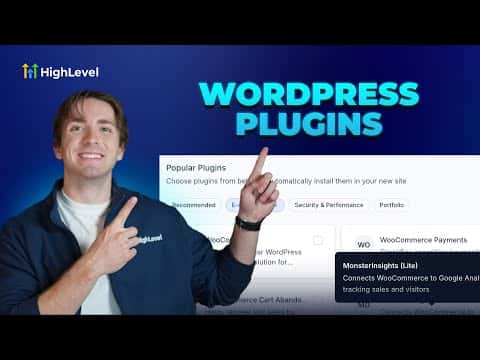
1:57概要. GoHighLevel's WordPress site creation flow includes a plugin selection step where you pick from recommended, e-commerce, security, performance, and portfolio plugins using checkboxes. Selected plugins are installed automatically when the site is created. If you need a plugin that is not in the list, you can search for and install it from the WordPress Plugins section after the site is live.
ステップ
Open the WordPress setup screen
Go to Sites, then WordPress. Click Create Site, or if you have an existing site that is not fully set up, click Complete Setup.
Fill in your site details
Enter a website name, admin username, password, and email address in the fields provided.
Select plugins from the list
Browse the plugin categories, such as Recommended, E-commerce, Security, or Performance, and check the boxes next to the plugins you want installed.
Create the site
Click Create WordPress Site. All selected plugins are installed automatically as part of the creation process.
Add more plugins after creation
Open your site, go to Plugins inside the WordPress admin, and search for any additional plugins. Activate or deactivate them from the same screen.