Forms & Surveys

How to Add and Edit Custom Fields in GoHighLevel Forms and Surveys

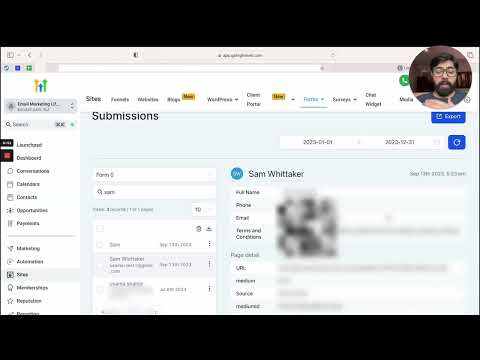
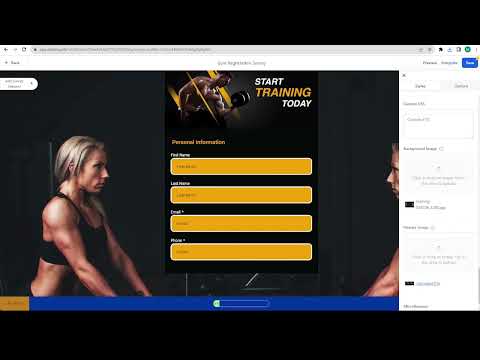
GoHighLevel now lets you edit dropdown options, checkbox labels, and radio button choices directly inside the form builder without creating an entirely new custom field each time you need a small change. Click the element on the canvas, update the options in the settings panel that appears, and save. No more rebuilding a field from scratch over a typo.

2026年6月2日に更新

1:56

概要. Previously, changing an option in a dropdown or checkbox inside a GoHighLevel form meant deleting the field and starting over. The updated builder lets you click any choice element on the canvas and modify its labels, add new options, and delete unwanted ones directly in the right-side panel. This works for single dropdowns, multi-dropdowns, checkboxes, and radio buttons, cutting the time it takes to iterate on a form significantly.

よくある質問

Which field types support inline editing of options?

Dropdowns (single and multi), checkboxes, and radio buttons all support direct option editing.

Can I add new options to a dropdown without leaving the form builder?

Yes. Click the dropdown element and use the settings panel to add, rename, or delete options on the spot.

Do I still need to create custom fields in the Custom Fields section?

Only for net-new fields. Existing choice fields can be edited inline without going to the Custom Fields section.

すでに作った人たちと、一緒に作ろう。

無料コミュニティに参加しましょう。毎週のライブ通話、最初に見るコース、あなたの言語のビルダーがいます。

Skoolに無料で参加