Forms & Surveys

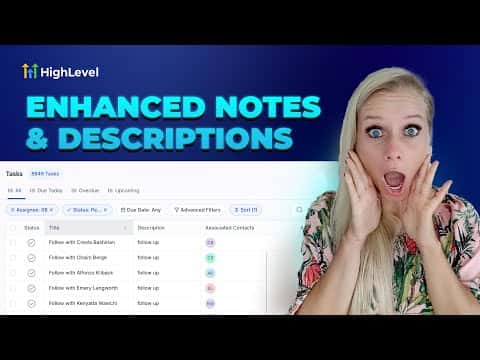
How to Format Notes and Tasks in GoHighLevel with Rich Text

GoHighLevel's notes and task description fields support rich text formatting, so you can use bold, italics, underlines, color, hyperlinks, and bullet or numbered lists to keep team documentation clear. The same editor appears in the Opportunities section, the Contacts section, and the Tasks section across both areas.

2026年6月2日に更新

2:34

概要. GoHighLevel supports rich text in notes and task descriptions across Opportunities and Contacts. The formatting toolbar lets you apply bold, italic, underline, strikethrough, text color, hyperlinks, and bullet or numbered lists. Completed list items can be checked off inline, giving the next team member a clear picture of what has already been handled.


よくある質問

Where can I use rich text formatting in GoHighLevel?

In the Notes and Tasks sections inside both Opportunities and Contacts.

What formatting options are available in the rich text editor?

Bold, italic, underline, strikethrough, text color, hyperlinks, bullet lists, and numbered lists.

Can I check off completed items in a task list?

Yes. Click the checkbox next to any list item to mark it done inside the description.

すでに作った人たちと、一緒に作ろう。

無料コミュニティに参加しましょう。毎週のライブ通話、最初に見るコース、あなたの言語のビルダーがいます。

Skoolに無料で参加