Workflows & Automation

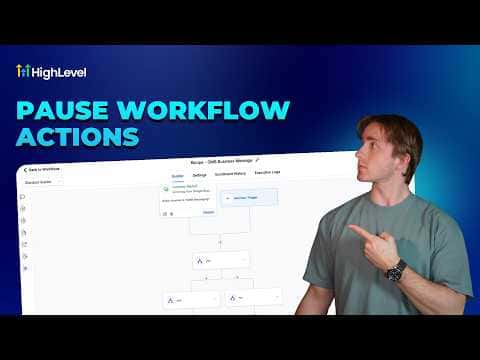
How to Disable or Pause Nodes in the GoHighLevel Advanced Workflow Builder

Inside the GoHighLevel Advanced Workflow Builder you can disable any action node by hovering over it and clicking the pause icon. Contacts skip disabled nodes and keep moving through active ones, so you can test parts of a workflow, create conditional variants, or temporarily mute an action without deleting anything. Re-enabling is one click on the play icon.

2 giugno 2026 aggiornato

2:59

Sommario. GoHighLevel's Advanced Workflow Builder lets you pause individual action nodes so contacts skip them without interrupting the rest of the workflow. This is useful for A/B testing, troubleshooting, and maintaining alternate workflow paths without rebuilding them. Triggers cannot be paused, and a small set of internal flow-control actions (wait timers, go-to steps, conditions) also cannot be disabled.


Domande che le persone fanno

Can I pause a trigger in the Advanced Workflow Builder?

No. Only action nodes can be paused; triggers must stay active.

Which internal actions cannot be disabled?

Wait timers, go-to steps, conditions, goal events, and drip actions cannot be paused.

Is this feature available in the standard workflow builder?

No. Node pausing is exclusive to the Advanced Workflow Builder.

Costruiscilo con persone che lo hanno già fatto.

Unisciti alla community gratuita: chiamate live settimanali, un corso Inizia qui e builder nella tua lingua.

Iscriviti gratuitamente su Skool