Getting Started & General

How to Control In-App Banners in GoHighLevel

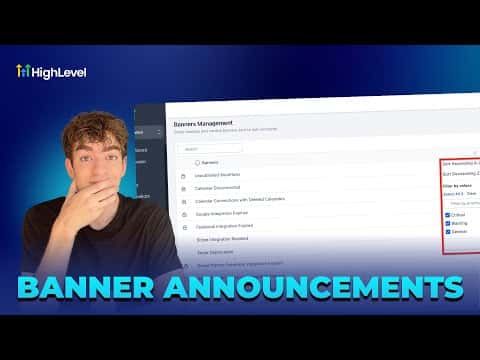
GoHighLevel's banner management lets agency admins decide which in-app announcement banners appear for their team and clients. From the Announcements section in agency settings, you can toggle individual banners on or off, reorder their priority, and control how often each one reappears. This keeps the platform interface clean and focused for your clients.

2 giugno 2026 aggiornato

1:18

Sommario. The banner management panel in GoHighLevel's agency settings lists all active system and informational banners with their current priority, frequency, and status. Agency admins can disable any banner with a single toggle and reorder the priority column by dragging. Changes apply to sub-accounts and can be verified by checking the banner's visibility inside an affected sub-account.

Domande che le persone fanno

Where is banner management in GoHighLevel?

In the agency view, go to Settings and scroll to Announcements.

Can I control how often a banner reappears after a user dismisses it?

Yes, frequency is shown and configurable per banner in the management panel.

Do banner changes apply immediately to all sub-accounts?

Yes. After disabling a banner, verify by checking a sub-account to confirm it is gone.

Costruiscilo con persone che lo hanno già fatto.

Unisciti alla community gratuita: chiamate live settimanali, un corso Inizia qui e builder nella tua lingua.

Iscriviti gratuitamente su Skool