Email

How to Optimize Email Campaigns with GoHighLevel Smart Send

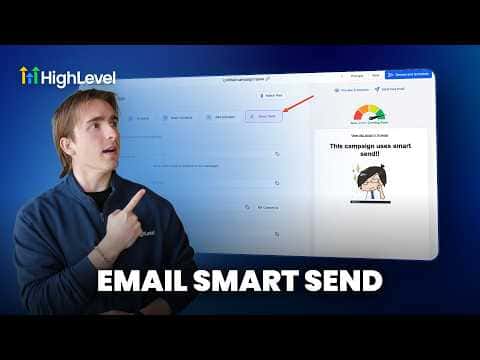
Sending a campaign at an arbitrary time means some of your contacts see it at the worst possible moment for them. GoHighLevel's Smart Send feature analyzes your account's historical email data and suggests the time your list is most likely to open and engage. You approve or adjust the recommendation, and the platform handles delivery automatically at that window.

2 giugno 2026 aggiornato

2:28

Sommario. Smart Send is available inside the send and schedule step of any GoHighLevel email campaign once your account has sent at least 1,000 emails in the past 60 days. GoHighLevel reviews engagement patterns from your own data, not generic industry averages, and suggests a specific send time. After sending, the campaign statistics show a Smart Send Impact section alongside the usual engagement summary so you can see the effect directly.
Domande che le persone fanno

What is the minimum volume required to use Smart Send?

Your sub-account must have sent over 1,000 emails in the past 60 days.

Can I reschedule a Smart Send campaign after scheduling it?

Yes. You can reschedule or cancel it before it goes out.

Where do I see Smart Send results after the campaign runs?

Open Campaign Statistics and click Load More Statistics to see Smart Send Impact.

Costruiscilo con persone che lo hanno già fatto.

Unisciti alla community gratuita: chiamate live settimanali, un corso Inizia qui e builder nella tua lingua.

Iscriviti gratuitamente su Skool