Cet article est actuellement disponible en anglais. Lire l’original

AI and integrations

AI Appointment Booking Bot Workflow for GoHighLevel

AI Appointment Booking Bot is one of 30 automated GoHighLevel workflows in the RocketLauncher master snapshot library. Its trigger is "Tagged for AI booking". After that it runs 5 steps on its own, with no one at the keyboard.

  • 1 min de lecture
  • Sections 4
  • 1 août 2026 mis à jour
Sur cette page

When a lead is tagged for AI booking, this workflow hands them to GoHighLevel's own AI bot to book the appointment, then alerts the team once it is booked.

  • Category: AI and integrations.
  • 5 steps run automatically once the trigger fires.
  • Join RocketLauncher University, free to join, to get this workflow and the other 29 in one import.

Trigger

A contact gets tagged (Tagged for AI booking).

Steps

#StepAction typeWhat it does
TriggerTagged for AI bookingContact tagA contact gets tagged (Tagged for AI booking).
1Tag AI-bookingAdd contact tagTags the contact: Tag AI-booking.
2Eliza AI books the appointmentAdd appointment booking ai botHands the conversation to the AI bot to book the appointment: Eliza AI books the appointment.
3Wait 1 daysWaitPauses the workflow before continuing: Wait 1 days.
4Did they book?If elseChecks a condition and splits into two paths: Did they book?.
5Alert team: AI booked an appointmentInternal notificationSends your team an internal alert: Alert team: AI booked an appointment.

What to set up before you turn it on

  1. Pick the calendar for the AI bot
  2. Set business_name

How to test it worked

  1. Trigger the workflow with a test contact of your own, using a real phone number and email you control.
  2. Watch each step fire in order inside GoHighLevel and confirm the text and email actually arrive.
  3. Check that any tag, opportunity, or task the workflow creates shows up correctly before you send it to a real lead.

About 15 minutes to import and connect. Difficulty: beginner.
Les questions que les gens posent

Is this workflow free?

This workflow is one of 30 inside RocketLauncher University, a community that is free to join. Join with Google or email, no card required, and the whole library is inside.

Do I need to build this from scratch in GoHighLevel?

No. It comes as part of a snapshot you import into your own GoHighLevel sub-account. After import you connect your own phone number, calendar, and custom values, then test it before it goes live.

What do I need to set up before AI Appointment Booking Bot runs?

Before you turn it on: Pick the calendar for the AI bot. Set business_name.

Essai gratuit de 30 jours + outils RocketLauncher gratuits

Essayez GoHighLevel pendant 30 jours. Obtenez ces outils gratuitement.

Inscrivez-vous via notre lien pour un essai gratuit de 30 jours GoHighLevel. Votre bibliothèque d'snapshots, LeadMiner, CopyCat et les autres outils RocketLauncher présentés ici sont inclus gratuitement.

30 jours pour essayer GoHighLevel. Tous ces outils gratuits.

Commencer mon essai gratuit de 30 jours

Utilisez notre lien pour obtenir l’essai et les outils gratuits. Votre abonnement GoHighLevel est payé après l'essai ; les frais d’envoi et les services tiers payants sont distincts.

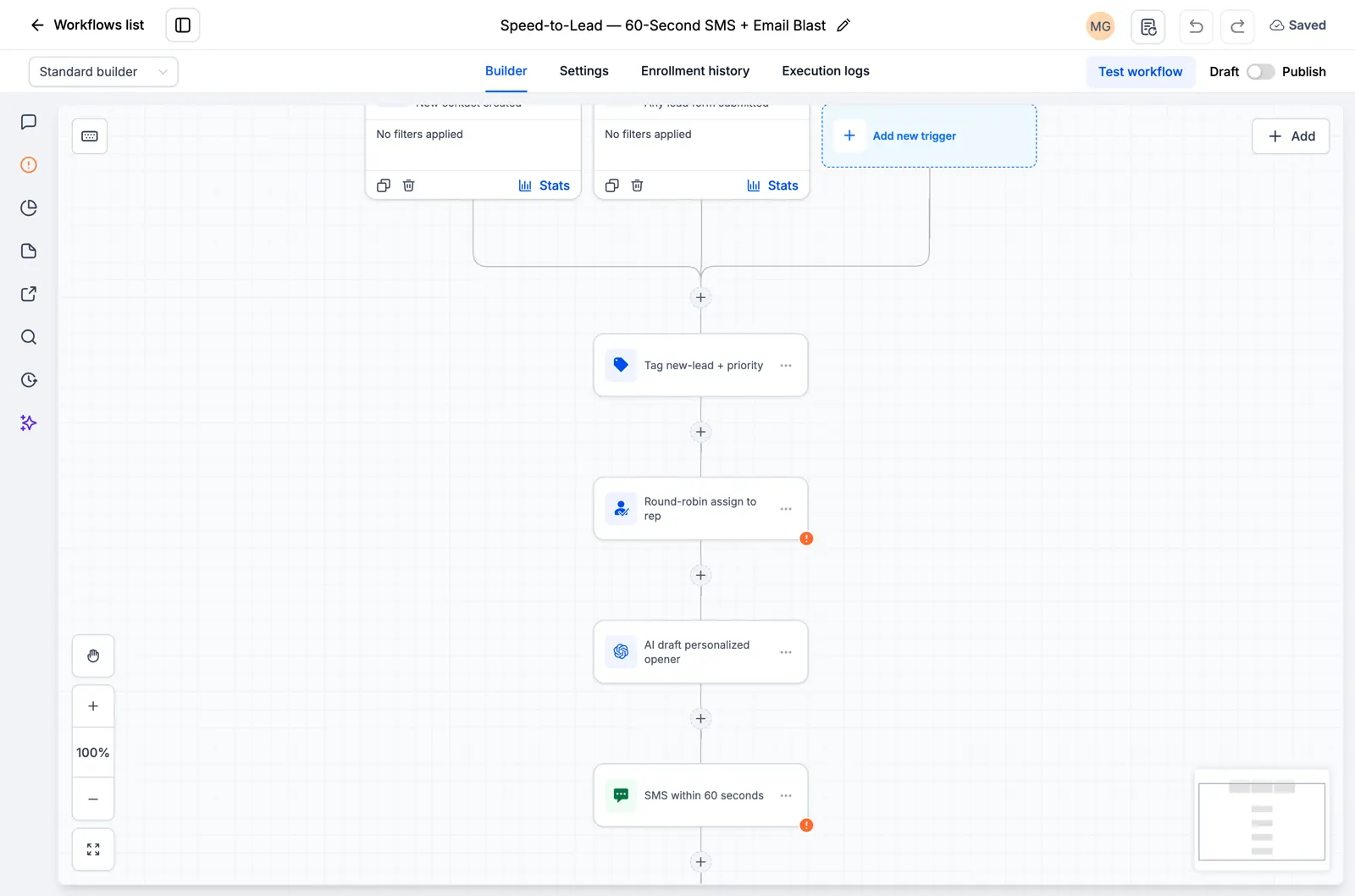
  • Flux de travail GoHighLevel montrant l'attribution de leads et une étape de suivi SMS
    Dans un flux de travail GoHighLevel enregistré

    Snapshots + flux de travail

    Configurez votre suivi plus rapidement

    Importez des configurations GoHighLevel prêtes à l’emploi pour les demandes de renseignements, les rappels de rendez-vous et le suivi. Ajoutez les détails de votre entreprise et testez avant de les activer.

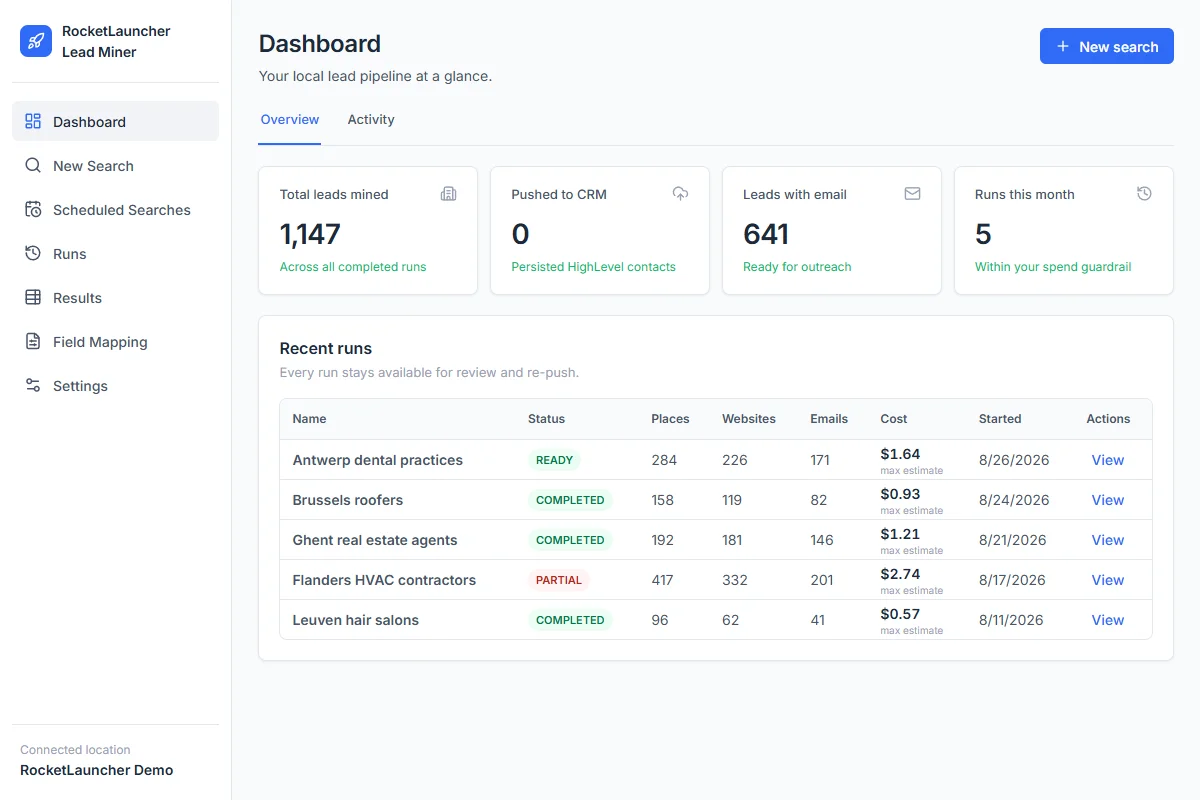
  • Tableau de bord de démonstration RocketLauncher Lead Miner affichant les recherches d'entreprises locales et le nombre de prospects
    Espace de travail LeadMiner · Données de démonstration

    LeadMiner

    Trouvez des entreprises auxquelles vous pouvez vendre

    Recherchez des entreprises locales sur Google Maps, consultez leurs sites Web et leurs coordonnées, puis envoyez les prospects sélectionnés à GoHighLevel. Par exemple : trouvez des couvreurs qui pourraient faire appel à vos services.

  • Image du produit Copy Cat GHL : copiez les sites Web et les entonnoirs GoHighLevel
    CopyCat pour GoHighLevel

    CopyCat

    Copiez une page. Adaptez-la à votre activité.

    Copiez un site Web ou un entonnoir GoHighLevel dans votre propre compte. Modifiez le logo, les images et le texte de votre entreprise ou de votre client. Utilisez les pages que vous possédez ou que vous êtes autorisé à réutiliser.

  • Plus des didacticiels, une aide communautaire et d'autres outils RocketLauncher

    Obtenez de l'aide pour configurer les outils et mettre en œuvre l'snapshot que vous avez choisi.

Obtenez le pack en 3 étapes

  1. 1.Commencez votre essai gratuit de 30 jours

    Utilisez notre lien GoHighLevel ci-dessus pour bénéficier de l'essai de 30 jours et bénéficier de tous les outils gratuits présentés ici.

  2. 2.Demandez votre accès

    Rejoignez la communauté RocketLauncher et demandez votre accès au forfait après vous être inscrit via notre lien.

  3. 3.Choisissez un snapshot et installez

    Obtenez le lien d'importation pour un snapshot disponible. Importez-le dans votre compte GoHighLevel, ajoutez les détails de votre entreprise et testez avant de l'activer.

Vous avez déjà commencé via notre lien ? Réclamer l'accès

Les packs de prévisualisation sont toujours en cours de préparation et ne sont pas prêts à être installés. Vérifiez l'état de chaque pack avant de choisir.

Lien partenaire : nous gagnons une commission si vous vous abonnez, sans frais supplémentaires pour vous.