Workflows & Automation

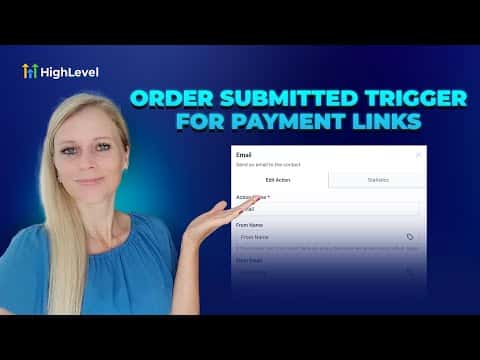
How to Automate Payment Links with Order Submitted Triggers in GoHighLevel

The Order Submitted trigger in GoHighLevel fires whenever a payment link purchase completes. You can filter by product, price point, or order source, which means you can run completely separate follow-up sequences for different offers without building multiple unrelated workflows. Confirmations, onboarding tasks, and team alerts all start the moment the payment goes through.

2 juin 2026 mis à jour

2:27

Résumé. GoHighLevel's Order Submitted trigger connects payment link purchases directly to workflow automations. Filters for global product, product price, and order source let you route different purchases into different communication paths. From there, any workflow action, such as a confirmation email, SMS, or an internal task assignment, fires automatically the moment a buyer completes checkout.
Les questions que les gens posent

Can I use this trigger for Stripe payment links?

Yes, the Order Submitted trigger works across GoHighLevel's supported payment processors.

How do I separate automations for two different product tiers?

Add a Global Product filter on each workflow and point each one at a different product.

What actions can I add after the trigger fires?

Email, SMS, WhatsApp, task assignments, and pipeline updates are all available.

Construisez-le avec des personnes qui l'ont déjà fait.

Rejoignez la communauté gratuite : des appels en direct hebdomadaires, un cours Commencez ici et des constructeurs dans votre langue.

Inscrivez-vous gratuitement sur Skool