Social Media

How to Manage Social Media from the GoHighLevel Mobile App

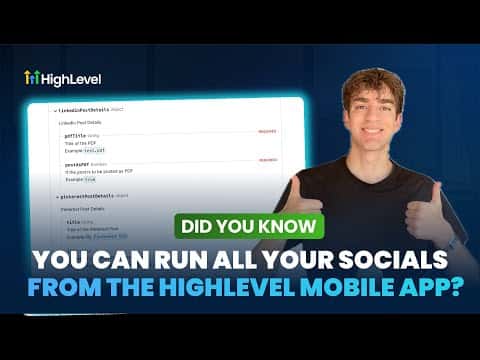
The GoHighLevel mobile app includes a full Social Planner, so you can create, schedule, and publish posts across multiple platforms without opening a laptop. Connect your Facebook, Instagram, TikTok, and YouTube accounts, then draft posts, pick media from your gallery, set advanced options like watermarks and categories, and choose exactly where each post goes, whether the feed, a reel, or a story.

Aktualisiert 2. Juni 2026

1:41

Zusammenfassung. GoHighLevel's mobile app lets you manage your entire social media calendar from your phone. You can connect multiple social accounts, upload media, configure per-channel posting options, and schedule posts in advance, all from the Social Planner inside the app. Enabling push notifications means you get alerted when posts go live or when someone engages, so you can respond without delay.
Fragen, die Menschen stellen

Which social platforms can I post to from the GoHighLevel mobile app?

Facebook, Instagram, TikTok, and YouTube are all supported.

Can I schedule posts in advance from the mobile app?

Yes, pick a date and time from the scheduling screen before confirming.

How do I get notified when a post goes live or gets a comment?

Enable push notifications in the app to receive alerts for both.

Bauen Sie es mit Leuten auf, die es bereits getan haben.

Treten Sie der kostenlosen Community bei: wöchentliche Live-Anrufe, ein Start-hier-Kurs und Builder in Ihrer Sprache.

Kostenlos anmelden unter Skool