AI & Voice Agents

How to Use the Workflow AI Assistant in GoHighLevel

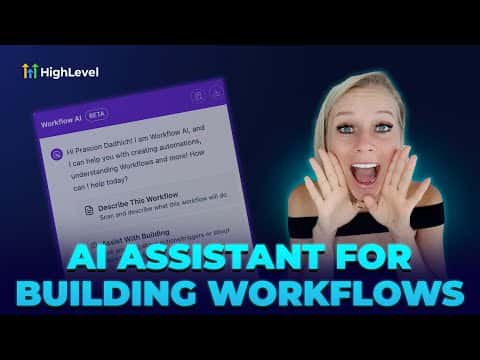
GoHighLevel's Workflow AI Assistant helps you build and improve automations using plain-language instructions. Instead of manually configuring each step, you describe what you want the workflow to do and the assistant generates or modifies steps for you. It works inside the workflow builder and can add actions, suggest logic, and explain what existing steps are doing.

Atualizado em 2 de junho de 2026

11:57

Resumo. The Workflow AI Assistant is a built-in tool inside GoHighLevel's automation builder that lets you create and edit workflow steps by typing what you want in plain language. It reduces the time needed to set up complex automations by generating step configurations on demand, making it accessible to founders and builders who are newer to the workflow canvas.


Perguntas frequentes

Where do you access the Workflow AI Assistant?

It is available inside the workflow builder within your GoHighLevel sub-account.

Can the AI Assistant edit existing workflow steps or only add new ones?

It can both suggest new steps and help you modify or explain existing ones in a workflow.

Does using the Workflow AI Assistant require any coding knowledge?

No. You type a plain-language description and the assistant handles the configuration.

Crie com quem já criou.

Entre na comunidade gratuita: lives semanais, um curso para começar e criadores no seu idioma.

Entre de graça no Skool