AI & Voice Agents

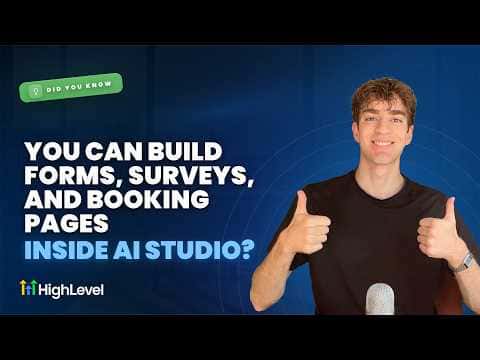
Build Forms, Surveys, and Booking Pages Inside GoHighLevel AI Studio

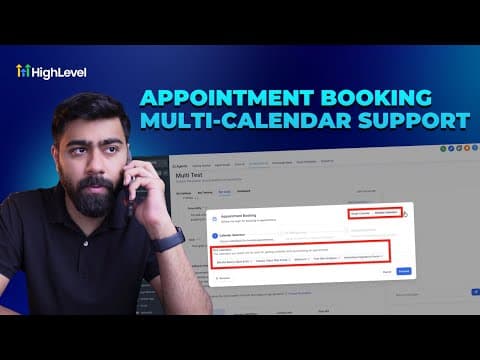
GoHighLevel AI Studio does more than generate landing page layouts. A single prompt can produce a page that includes a contact form, a survey, or a booking section alongside the written copy and images. Once the page is generated, you connect the booking calendar to an existing CRM calendar and publish it to a domain, all without leaving AI Studio.

Atualizado em 2 de junho de 2026

1:42

Resumo. AI Studio in GoHighLevel generates complete lead capture pages that include forms, surveys, and booking sections based on a plain-text prompt. After generation, the booking section connects directly to any calendar already set up in the CRM, keeping appointments and contact records in sync. The finished page goes live by selecting a domain and clicking publish, with no manual page builder work required.
Perguntas frequentes

Do I need to add the form manually after AI Studio generates the page?

No, include a form or booking section in your prompt and it generates automatically.

Can the booking calendar connect to my existing CRM calendar?

Yes, choose your existing calendar from the connect option on the left panel.

Where do I access AI Studio in my GoHighLevel account?

Open any sub-account and click AI Studio in the left-hand navigation.

Crie com quem já criou.

Entre na comunidade gratuita: lives semanais, um curso para começar e criadores no seu idioma.

Entre de graça no Skool