SMS & Phone

How to Use Trigger Links in SMS in GoHighLevel

A trigger link in GoHighLevel is a trackable URL that fires an automation when a contact clicks it. You can insert trigger links into SMS messages sent from Conversations, workflow actions, or message templates. When the contact taps the link, GoHighLevel records the click and can start any downstream workflow you have set up.

Atualizado em 2 de junho de 2026

3:33

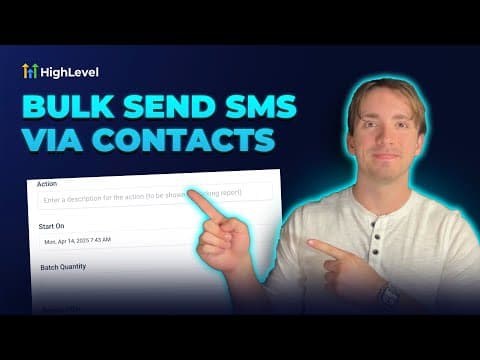
Resumo. This tutorial covers the three places in GoHighLevel where trigger links can be added to SMS messages: the Conversations tab for one-off sends, workflow SMS actions for automated sequences, and the message template editor for reusable content. The link appears as a full URL in the message because trigger links in SMS cannot be shortened.
Perguntas frequentes

Can trigger links in SMS be shortened?

No. Trigger links in SMS messages appear as full-length URLs.

Where do I create trigger links before using them?

In Marketing, under Trigger Links. Create and name each link there, then it appears in the dropdown when composing an SMS.

Do trigger links work in MMS messages too?

Trigger links are designed for text-based SMS, but can be included in any message that accepts text content.

Crie com quem já criou.

Entre na comunidade gratuita: lives semanais, um curso para começar e criadores no seu idioma.

Entre de graça no Skool