Payments & Invoicing

How to Add EU Payment Methods to Your Stripe Checkout in GoHighLevel

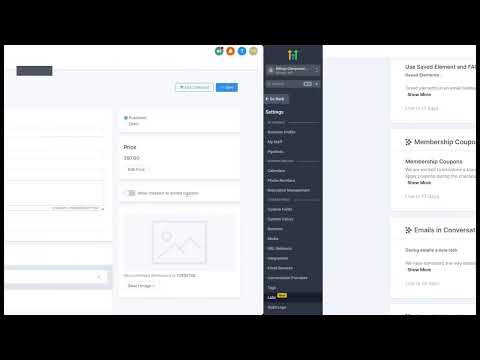
GoHighLevel supports iDEAL, Bancontact, and SEPA Direct Debit as additional payment methods through Stripe. These are widely used across the Netherlands, Belgium, and the broader European Union. To activate them, you first turn each method on inside your Stripe account settings, then they automatically appear at checkout on order forms, invoices, online stores, and payment links.

Atualizado em 2 de junho de 2026

2:47

Resumo. This covers adding iDEAL, Bancontact, and SEPA Direct Debit to GoHighLevel checkouts for businesses collecting payments in the European Union. The activation process happens inside Stripe's payment method settings under the LeadConnector configuration, not inside GoHighLevel itself. Once enabled in Stripe, the methods appear automatically across all GoHighLevel checkout surfaces including funnels, forms, invoices, and e-commerce stores. All transaction data is stored in GoHighLevel's Payments tab the same way credit card payments are.


Perguntas frequentes

Where do I enable iDEAL and Bancontact in Stripe for GoHighLevel?

In Stripe, search for Payment Methods, go to Settings, and find the LeadConnector configuration.

Do these payment methods work on GoHighLevel invoices?

Yes. iDEAL, Bancontact, and SEPA Direct Debit appear on invoices, order forms, stores, and payment links.

Are these payment methods available for businesses outside the EU?

They are designed for EU markets. Stripe may restrict activation based on your account region.

Crie com quem já criou.

Entre na comunidade gratuita: lives semanais, um curso para começar e criadores no seu idioma.

Entre de graça no Skool